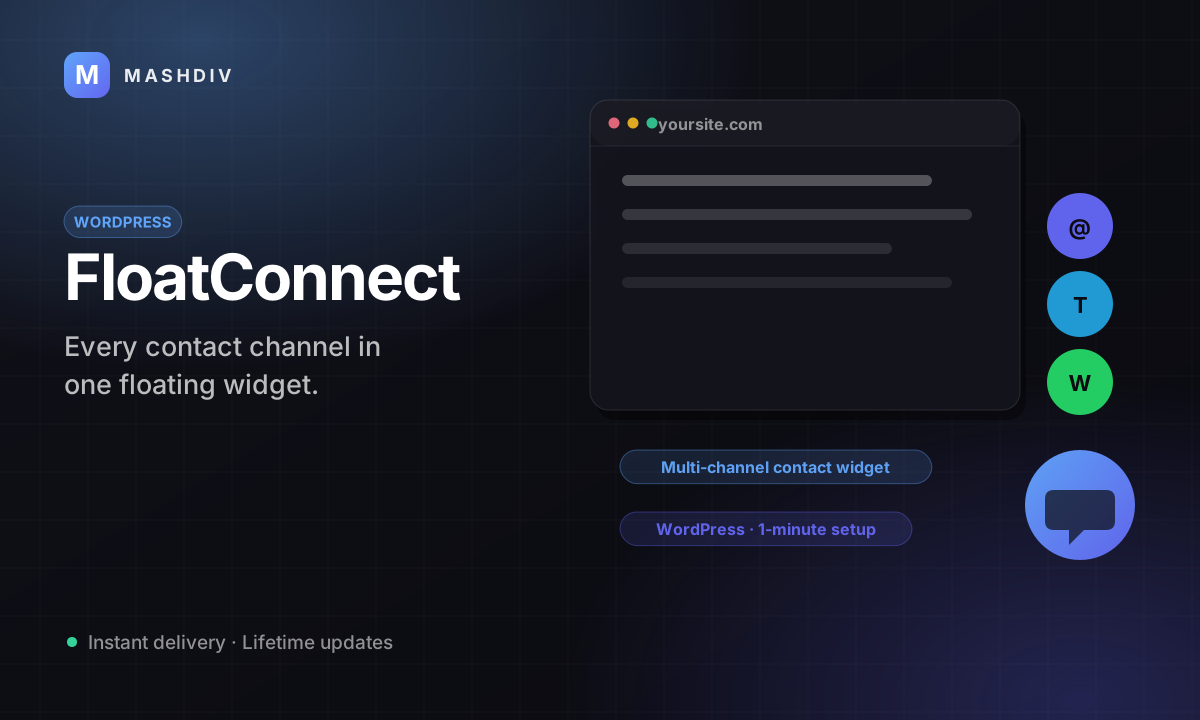
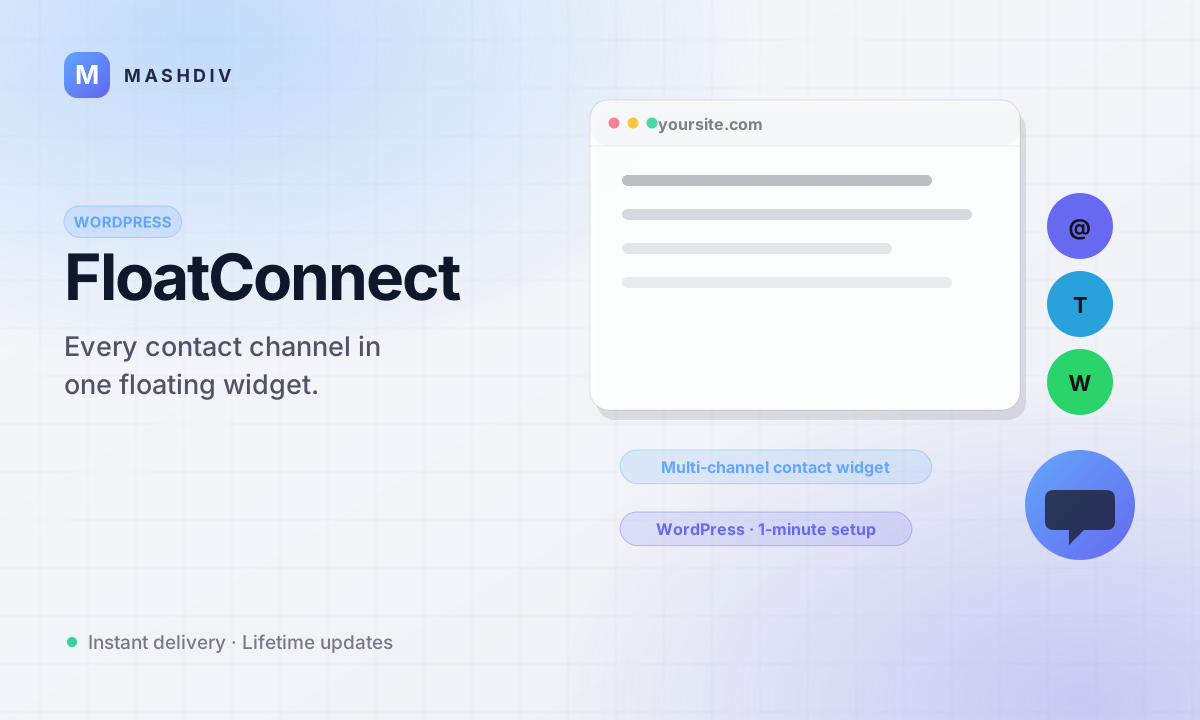
FloatConnect
One floating button on every WordPress page, opening the chat apps your visitors already have.
- One floating button on every page — no shortcode, no template edits
- Opens WhatsApp, Telegram, Messenger, the dialer or a new email
- One row per channel: your label, your destination, your order
- Switch a channel off and it stops appearing across the whole site
- Write the words visitors read — every label is a field you control
- Choose where the button sits so it clears your theme's own furniture
- The same button on a phone, at thumb height, on every page
- Visitors keep the thread in the app they open a hundred times a day
- You answer from your own phone, not from a form inbox
- Configured entirely from the standard WordPress admin
- Needs no other product in this catalog — it stands on its own
- Stops you losing the visitor who had a question and no easy way to ask
Inside FloatConnect
One button, every page, the apps they already have
A WordPress plugin that parks a single floating button in the corner of your site and expands it into the channels you actually answer — so somebody with a question sends a message instead of closing the tab.
In detail
Your contact page is a form, and a form is a ticket somebody opens on Monday. FloatConnect puts one floating button in the corner of every page of your WordPress site and expands it into the channels you actually answer — so a visitor with a question sends a message instead of closing the tab.
How it works
Install the plugin from the WordPress admin and fill in the channels you want to offer: a WhatsApp number, a Telegram handle, a Messenger page, a phone number, an email address. Each one becomes a row with a label you write and a destination you own. The button then renders on the front end of your site, so there is no shortcode to paste and no template to edit. When somebody picks a channel, their browser hands them straight to it — on a phone that means the app they already have opens with you addressed and ready.
What a tap opens
| Channel | What the visitor lands in |
|---|---|
| a chat with your number | |
| Telegram | a chat with your handle |
| Messenger | a chat with your page |
| Phone | the dialer, number filled in |
| a new message addressed to you |
What operators control
- Which channels appear, and in what order they stack
- The label on each one — the exact words a visitor reads
- The destination behind each one, changed without touching a theme file
- Where the button sits and how it looks against your design
- All of it from the standard WordPress admin, on a site you already run
What it does not do
FloatConnect starts conversations; it does not host them. The thread lives in the app the visitor chose and in your account on that service, and WordPress never sees it. That is the trade, and it is worth stating before you buy: you give up one tidy queue with assignment and history, and you get replies on a phone that is already unlocked. If a helpdesk is what you are shopping for, this is the wrong fifteen dollars.
Requirements are short: a WordPress site, and an account on each channel you switch on. It needs nothing else from this catalog and works on its own.
Every row on the settings screen is a button on your site
A channel is a row: the words your visitors read, the number, handle or address behind them, and a switch. Turn one on and it appears in the stack on every page; turn it off and it is gone from every page, without editing a template or pasting a shortcode into a widget area. The stack grows upward out of the button, so adding a channel never shuffles the ones already there.
Each channel you switch on needs an account you already own on that service — a number, a handle, a page or a mailbox. FloatConnect points at them; it does not create them for you.
A form is a ticket. A tap is a conversation.
A contact form ends in an inbox somebody checks on Monday. FloatConnect ends in a chat window on a phone that is already unlocked and already logged in. The visitor picks a channel, their own app opens with you addressed, and the thread carries on after they have closed your site — which is the whole difference between a lead and a conversation.
This is the honest limit: FloatConnect starts conversations, it does not host them. The thread lives in the visitor's app and in your account on that service, not in WordPress. If you need a ticket queue with assignment and history, this is the wrong tool.
- Runs on
- A WordPress site you already run. It installs as a plugin and is set up from the standard WordPress admin — no separate server and nothing else to host.
- Needs from this catalog
- Nothing. It carries no prerequisite and is not a Bicrypto addon — it works on any WordPress site on its own.
- Channels
- WhatsApp, Telegram, Messenger, a phone number and an email address, each switchable on its own.
- What you configure
- Which channels appear and in what order, the label and the destination on each, and the button's position, colours and animation.
- Licence
- One production domain, with lifetime updates from your dashboard. Moving domain is a deactivate and reactivate you do yourself; local development does not count against it.
- Support
- A six-month support window comes with the purchase — installation help, bug fixes and product questions.
- You bring the accounts
- Every channel you switch on points at something you already own: a number, a handle, a page or a mailbox. FloatConnect addresses them; it does not create them and it does not sign you up for them.
- It does not hold the conversation
- A tap opens the visitor's own app, and the thread lives there and in your account on that service. WordPress never sees it — there is no inbox, no queue, no assignment and no history inside the plugin.
- Not wired to Bicrypto
- It shares nothing with the exchange platform sold in this catalog — not users, not wallets, not tickets. It is a standalone WordPress plugin, which is why it is not part of the Everything bundle.
Loved by customers
Reviews
No reviews yet. Own it? Share your experience.
Own this product? Sign in to leave a review.