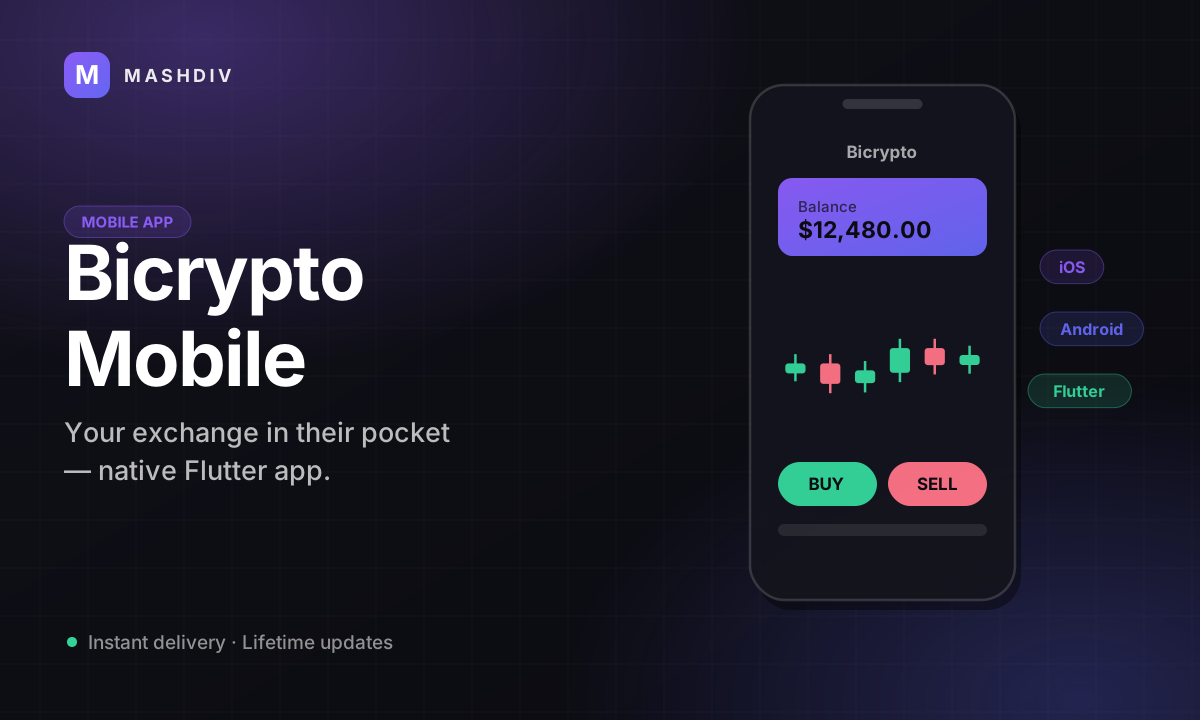
Bicrypto Mobile App
Your exchange as a phone app — same accounts, same balances, same orders, under your own brand.
The live demo is the app itself: a 89 MB APK that downloads straight to your Android phone. Install it and sign in on our demo site to try it before you buy.
- iOS and Android from one codebase, built and shipped by you
- Signs in with the account your customer already has on the web
- Same wallet rows and same orders as the web — nothing to sync
- Markets with live prices, search and a watchlist
- Market and limit orders, buy and sell, in the platform's own vocabulary
- Open orders and history on the phone, matching the web terminal
- Wallet balances plus the deposit and withdrawal flows you already run
- Your icon, your name, your colours — all set before you build
- Publish under your own developer accounts and store listings
- Two settings switch the download band on your own home page
- The wallet list follows your install, so nothing shows that you cannot run
- Spot needs two switches: a connected provider and the Spot Wallets setting
- Two-factor and verification status carry over from the web account
Inside Bicrypto Mobile
Your platform, in a pocket
The same accounts, the same balances and the same orders your customers already have on the web — on the device they actually reach for, under your brand, talking to your server.
In detail
Your customers already have an account on your platform. This puts it on their phone: one codebase built into an iOS app and an Android app, wearing your name and your mark, signing in to the server you already run. Nothing is duplicated — the same wallet rows, the same orders, the same verification status, reached from a home-screen icon instead of a browser tab.
How it works
The app is a client of your Bicrypto backend, not a second system beside it. It authenticates through the same routes your website uses, so a customer's email, password and two-factor setup carry over untouched. A balance is one row in the wallet table and a spot order is one row in the order table, whichever surface created it — which is why a trade placed on the phone is already there when that person refreshes the web terminal. You deploy no extra service and keep no second database in step.
What the app fronts
It is a front end onto the screens your platform already serves:
- Markets with live prices, search and a watchlist
- The trade screen: chart, market and limit orders, buy and sell
- Open orders and history, carrying the same status words the web shows
- Wallets, balances and the deposit and withdrawal flows you already run
- The account they registered on the web — nothing new to sign up for
What operators control
You control the build. The icon, the name, the colour and the store metadata are yours to set before you compile, and you submit under your own developer accounts, so the listings and every future update stay with you. Your storefront is already wired for it: the home page carries a download band that stays hidden until you paste an App Store or Google Play link into Settings, and appears the moment you do.
The app inherits your install too. The platform builds each customer's wallet list from what is actually there — fiat always, spot only when an exchange provider is connected and the platform's own Spot Wallets switch is on, funding only with the Ecosystem add-on — and the app shows exactly that list, no more.
Requires the Bicrypto core platform, and live markets and charts need a price source: a licensed exchange provider, or the Ecosystem add-on's own markets. Spot takes one more step after that — Spot Wallets is a stored switch with no seeded row, so a connected provider on its own still shows no spot wallet until you turn it on. Publishing is your side of the work: developer accounts, store listings and review are yours, and nothing here submits an app on your behalf.
One account, open in two places
The app is a client of the Bicrypto backend you already run, not a second system beside it. A balance is one row in the wallet table, a spot order is one row in the order table, and a login is a session issued by the same auth routes the website uses. So a customer signs in with the account they already have, and what they do on the phone is already true on the web when they refresh — nothing to sync, nothing to reconcile.
Requires the Bicrypto core platform. The app talks to your server over the same API the web app does — there is no hosted service in the middle, and no second database to keep in step.
Funding the account happens inside the app
Your deposit gateways are the app's payment menu. Sixteen ship with the platform, and any manual bank method you define — your own fields, your own instructions — sits beside them, so a customer picks a method on the phone the way they pick one on the web. One of those sixteen answers a request from the app with a payment secret rather than a web address, which means the card is entered on a sheet inside the app instead of on a page that opens in a browser. The fee is yours and applies at deposit time: a fixed amount, a percentage, or both, set per currency on each gateway, and on that in-app card path it is written to your platform revenue in the same database transaction that credits the wallet. Every route ends the same way: a DEPOSIT row on the customer's history, carrying one of the ten statuses the platform uses everywhere else.
A gateway does nothing until you put your own account keys into it — none of the sixteen are pre-connected. Manual bank methods need no keys, but their deposits are written PENDING and wait for you to approve them by hand.
Money out is still your decision
A withdrawal requested on the phone does not pay itself. The balance is debited and the request is written as a PENDING row in the same withdrawal queue you already work, where you either approve it — which completes the request and books your fee — or reject it, which refunds the customer and emails them the reason you gave. You can also require a fresh two-factor code on every individual withdrawal: authenticator users read their own code, email and SMS users are sent one, and the route that sends it is rate-limited so it cannot be used to hammer someone's phone. The fee is yours, fixed or a percentage per method, and it is not collected until the payout settles.
Per-withdrawal two-factor is off in a fresh install — it is an admin switch, and until you turn it on a withdrawal needs no fresh code. Automatic release for spot withdrawals is off by default. A fiat withdrawal waits for you unless you bind its method to a payout gateway and switch that gateway's auto-dispatch on — both off by default, and a dispatched payout can no longer be approved by hand.
It ships under your name, from your account
You get the codebase, so the mark, the name and the colours are set before you build. You submit under your own developer accounts, which means the listings, the metadata and every future update stay in your hands. Your storefront is already wired for it: the download band on your home page stays hidden until you paste an App Store or Google Play link into Settings, and turns itself on the moment you do.
Publishing is your side of the work — developer accounts, store listings and review are yours, and nothing in this product submits an app on your behalf.
The app shows what your install actually has
The wallet list is not a fixed menu; the platform builds it per install. Fiat is always there. Spot takes two conditions at once — an exchange provider connected and switched on, and the platform's own Spot Wallets switch turned on. The Funding wallet appears only with the Ecosystem add-on. Those three are the whole list the picker returns, and the app inherits it exactly, so what your customers see on the phone is what your install actually has.
Two things to do before spot goes live. Connect a licensed exchange provider — or the Ecosystem add-on, whose own markets are the alternative price source — and turn Spot Wallets on: it is a stored setting with no seeded row, so a connected provider on its own still shows no spot wallet. Futures and Copy Trading balances are created and shown by their own addons and are not in this list at all.
- wallet types modelled
- 5
- fiat deposit gateways
- 16
- settings to publish it
- 2
Everything included
68 capabilities, in 8 areas
Every item below exists in the source you receive. Nothing here is a roadmap.
Sign-in and the account
The app has its own login route on your server. The account behind it is the one from the web.
- Dedicated app sign-in route, separate from the web login
- The email and password the customer already registered with
- Two-factor over email, SMS or an authenticator app
- Short-lived challenge token that must come back with the code
- Five failed attempts locks the account for five minutes
- Banned, suspended and inactive accounts refused at sign-in
- Unverified email stops the login and re-sends the verification mail
- Successful and failed app sign-ins written to the activity log
- Verification level and what it unlocks follow the account, not the device
- Password reset and password change on the same routes as the web
Markets and prices
What the market screens read, and where the numbers come from.
- Market list with per-pair metadata, and per-market detail
- Live tickers streamed over WebSocket
- Order book per pair
- Candlestick history for the chart
- Watchlist: add, list and remove a pair
- Currency catalog with per-asset precision
- Trading-status check, so a client knows when the desk is closed
Spot trading
The order ticket, and every word it can print.
- MARKET and LIMIT orders
- BUY and SELL
- Open orders and full history from one route
- Per-order detail
- Cancel an open order
- Order updates streamed over WebSocket
- Five order states: OPEN, CLOSED, CANCELED, EXPIRED, REJECTED
Wallets and balances
One row per wallet, shared with the web — nothing to sync and nothing to reconcile.
- Every wallet on the account in one call
- Per-type and per-currency wallet detail
- Five wallet types modelled: fiat, spot, funding, futures, copy trading
- The wallet list built per install, so nothing shows that you cannot run
- Dollar-valued totals per wallet type
- Settled and pending balances kept apart
- Transfers between a customer's own wallets
- Transfers to another user
- Pre-flight validation before a transfer moves anything
- Transaction ledger with per-transaction detail
- Ten transaction states, from PENDING through FROZEN and REFUNDED
- Live exchange rates and fiat conversion
Money in
Every route a deposit can take, including the one built for a phone.
- 16 built-in card and bank gateways
- In-app card payment: a payment intent and client secret instead of a hosted checkout page
- Manual deposit methods you define, with their own fields
- Per-gateway verification and webhook confirmation
- Fixed and percentage fees applied per currency at deposit time
- Spot deposits with a live watcher and a cancel
- Deposit methods and networks listed per currency
Money out
The step-up challenge, and the queue a request lands in.
- Fiat withdrawal requests
- Spot withdrawal requests
- Optional step-up two-factor per withdrawal, over the enrolled channel
- Authenticator users read their own code; email and SMS get one sent
- Code sending rate-limited by its own middleware
- Requests join the withdrawal queue you already release from
- Approve completes it and books your fee; reject refunds and emails the reason you gave
Devices, sessions and notifications
What a phone adds to an account, and how you take it away again.
- Active-session list per account
- Revoke one session, or every session but the current one
- The app recognised as its own device — “Mobile App”, not a browser
- iOS, iPadOS or Android read off the user agent, phone told apart from tablet
- IP and best-effort country recorded per session
- Push device tokens registered per platform: ios, android or web
- List and remove a device's push tokens
- Push delivery over FCM to app devices and Web Push to browsers — the events that send one today come from the addons
- In-app notifications: read, unread, mark all read, delete one or clear all
- User-scoped WebSocket channel for notifications and announcements
Your brand, your listing
What you set before you build, and what your storefront already has waiting.
- One Flutter codebase, built to an iOS app and an Android app
- Name, icon and colours set in the project before you compile
- Submitted under your own Apple and Google developer accounts
- Store listings and every future update stay in your hands
- App Store Link and Google Play Link settings, under Social → Mobile Apps
- The home-page download band stays hidden until one link is set
- That band's badge, heading, subtitle and feature cards edited in the page builder
- Talks to your own server over the same API the web app uses
- Licence
- Regular licence — full source for the app project
- Requires
- The Bicrypto core platform. The app has no backend of its own — your server is the backend.
- Built with
- Flutter — one codebase, an iOS app and an Android app
- Talks to
- Your own server, over the same HTTP API and WebSocket channels the web app uses. Nothing hosted in between.
- Sign-in
- Its own login route on your server, with email, SMS or authenticator two-factor
- Card deposits
- Stripe returns a payment intent and client secret to the app rather than a hosted checkout page; the other 15 gateways use their own flow
- Deposit gateways
- 16 built in, plus the manual methods you define
- Wallet types
- Fiat always; Spot on two switches; Funding with the Ecosystem addon
- Storefront settings
- Two — App Store Link and Google Play Link
- Push needs a Firebase project
- Push to app devices goes over FCM, and the server needs a service account (project id, client email, private key) in its environment. Without one, browsers still get Web Push and app devices get nothing.
- You publish it
- Developer accounts, store listings, screenshots and review are yours. Nothing in this product submits, signs or hosts an app on your behalf.
- Spot needs a provider and a switch
- A licensed exchange provider — or the Ecosystem addon's own markets — and the Spot Wallets setting turned on. That setting has no seeded row, so a connected provider alone still yields no spot wallet.
- Futures and Copy Trading are not in the wallet list
- The route that builds a customer's wallet picker returns Fiat, Spot and Funding only. Those balances are created and shown by their own addons.
- It is a customer app, not an admin one
- Everything an operator does — the withdrawal queue, verification decisions, settings, the extension manager — stays in the platform's own admin panel.
Loved by customers
Reviews
No reviews yet. Own it? Share your experience.
Own this product? Sign in to leave a review.
Better together
Bundles containing this product
Get Bicrypto Mobile App for less as part of a bundle.
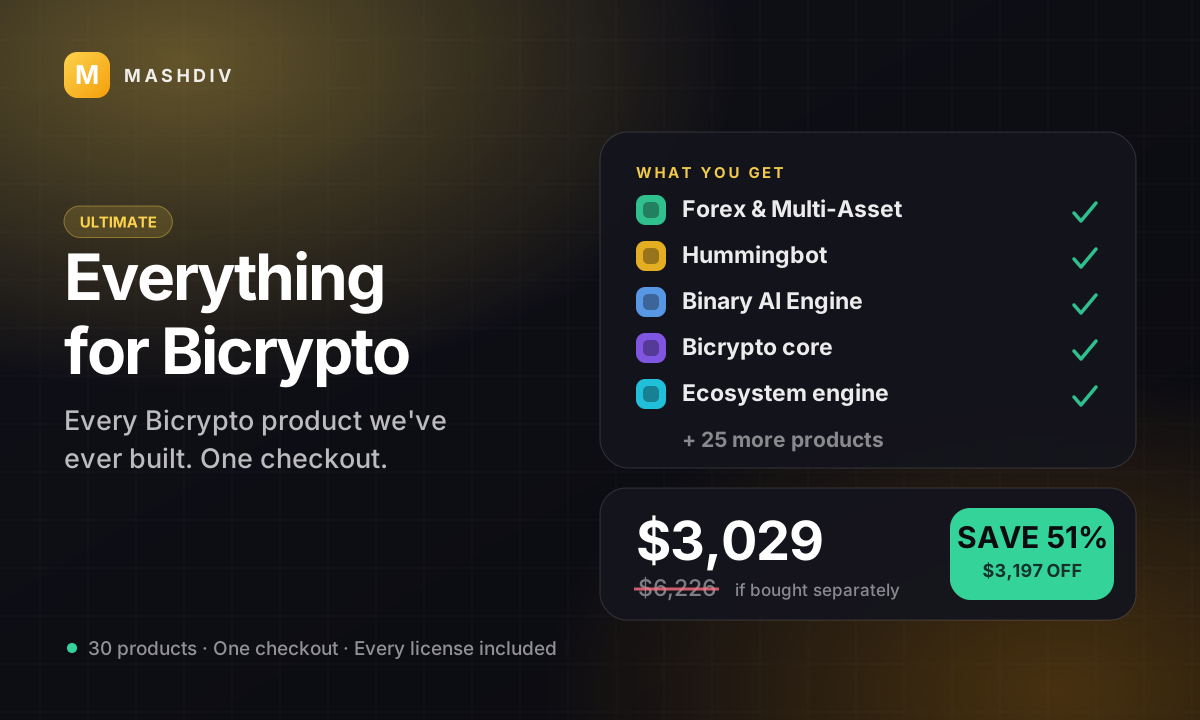
 ULTIMATE
Everything for Bicrypto
Every Bicrypto product we make — every addon, every chain, both apps, one price.
- Forex & Multi-Asset Trading
- Web3 Wallet & On-Chain Trading
- Instant Convert
- Hummingbot Connector
- + 30 more
Keep exploring
Related products
 Mobile
Binary Trading Mobile App
Your binary desk on a phone: your markets, your payouts, your accounts, settled by your own server.