Binance Exchange Provider
Point the whole spot desk at your own Binance account — real books and real prices, with no node to run.
- Every spot market, ticker, chart and order runs off your own Binance account
- No matching engine to install and no blockchain node to keep in sync
- Two variables in .env — key and secret, with no passphrase to manage
- Preview-first imports you confirm twice, and new markets arrive switched off
- Maker and taker rates start at the exchange's and are yours to edit per market
- Live account balances per asset, available and in-order, read on every load
- Withdrawals hold in a queue for manual release, oldest request decided first
- An atomic claim on every approval, so a double-click cannot pay out twice
- Failed payouts refund the customer automatically under an idempotency key
- Six background jobs reconcile orders, prices, deposits and stranded payouts
- Cached candles on disk and in Redis across the fourteen intervals it accepts
- Outbound HTTP or SOCKS proxy with its own test, for blocked server regions
Inside the Binance provider
A spot desk with nothing to run
Markets, tickers, charts, orders, deposit addresses and payouts all resolve to one Binance account you already control — no matching engine, no node, no counterparty to find. The connector is already inside the core backend and the binance row is already in your database, so the licence is the right to switch it on and keep it current, and exactly one provider is ever active platform-wide.
In detail
Your platform's entire spot stack — every market, ticker, chart, order, deposit address and payout — becomes a call to one Binance account you own. No matching engine to install, no node to keep in sync. Be plain about what the licence buys: the connector already lives in the core backend and the `binance` row is already in your database, so you are paying to switch it on and keep it current — the cheapest route to a working spot desk.
How it works
Activate the licence, put two variables in `.env`, restart the backend and the cron worker, then enable the provider — in that order: the toggle is gated on a licence file on disk, and credentials are only read at process start. Then import spot currencies, then markets. Every imported market arrives switched off, so your listed set is a decision rather than a dump. An order is validated against the imported precision and limits, placed on your account, and the customer's SPOT wallet debited or held from what comes back.
The surface you configure
| Screen | What you set |
|---|---|
| Markets | which pairs list, precision, limits, maker and taker rates |
| Spot currencies | which assets are offered, with networks, minimums and fees |
| Charts | intervals, history depth, and the delay between them |
| Wallet security | manual review or auto-approve, and your payout fee |
| Provider settings | an outbound HTTP or SOCKS proxy, tested before saving |
What operators control
- The withdrawal queue opens on PENDING, oldest first — nothing leaves undecided
- Approval claims the row atomically, and any failure refunds under an idempotency key
- Six background jobs reconcile orders, prices, deposits and stranded payouts
- 23 permission keys separate reading the desk from changing it
The float is yours
Every SPOT balance is a ledger row; the asset behind it is a number in that one account. Deposits are attributed by the transaction hash the customer pastes: the address they see is yours, and the same for everyone on that network. Payouts can only spend the **free spot** balance, so anything in Earn or Funding has to be moved back by hand. And nothing compares the two sides for you — the balance screen even omits an asset you hold none of rather than showing it as zero.
Requires Bicrypto core, a Binance account with API access, and the server's egress IP on the key's allowlist — Binance only permits withdrawals from IP-restricted keys. Exactly one exchange provider is active platform-wide, so enabling this one switches KuCoin and XT off, and moving later is a custody migration, not a settings change.
Every customer deposits to the same address
Your platform holds no coins here; your Binance account does, and the SPOT wallet rows are a ledger describing who is owed what out of that one pot. So the deposit screen shows your account's address for the chosen currency and network — the same string for everybody — and the transaction hash the customer pastes is the entire mapping between an incoming transfer and a person. The platform then watches for that hash every fifteen seconds for half an hour, with a fifteen-minute cron job as the catch-up for anyone who closes the browser.
A customer who deposits and never submits a hash has funded your exchange account with no ledger entry anywhere. The money is not lost, but finding it is a manual reconciliation and nothing will prompt you to do it.
One account is the float, and nobody checks it but you
Both halves of the comparison are on screens the product ships: your live account balance per asset, and the SPOT wallet rows saying what customers are owed. Nothing puts them side by side, and it will not add BTC to USDT to produce one confident wrong number — so the cover check is a per-asset job you do on a schedule, and there is no stored history, so a trend exists only if you wrote last week's down. A payout can only spend the free spot balance, which is why the account screen splits available from in-order.
The balance screen drops an asset where available and in-order are both zero, so the worst case — customers hold it, the account holds none — looks exactly like "we never listed it". Drive the comparison from the wallet side and it becomes visible. Anything parked in Earn, Funding or a sub-account is unreachable until you move it back to spot yourself.
Your enabled-market list is a rate-limit budget
Every imported market is created switched off, and that is deliberate. The market-list ticker builds one request carrying every enabled symbol and repeats it about once a second, so weight grows with the length of your list rather than with how many customers are watching. Exhaust the budget and the platform records a ban in Redis, and while it is set the ticker stream, the price job, the deposit verifier, the withdrawal reconciler, order placement and the chart build all ask for a connection, get nothing, and return.
Nothing turns red when that happens — the one place a ban surfaces in the panel is the chart settings response. Credential and provider changes are quiet in the same way: the web process and the cron worker each cache their own connection for their lifetime, so a green Verify proves your .env is right and nothing about what the running processes are doing. Restart both.
A resting order holds the money, it does not spend it
Every order is checked against that market's own precision and limits before it leaves your server, and a market order is priced from a ticker read at the moment of placement. What rests on the book is a hold: the customer's spendable balance falls and their in-order figure rises by the same amount, so cancelling returns it rather than refunding it. If the exchange reports part of the order filled at placement, that slice settles immediately and only the remainder stays held. Your fee is taken in the asset bought on a buy and in the quote asset on a sell, credited to your own wallet in that currency, and only then written to the profit ledger — so a revenue row is money that already moved.
The rate is chosen by side rather than by role: a buy is charged the market's taker rate and a sell its maker rate, whether or not the order actually rested. And your fee revenue is a SPOT ledger row on the owner account, so it is a claim on the same exchange account as everything else — getting it out is a withdrawal like any other.
Candle history is something you build, market by market
A market you have just enabled has no chart history at all. The cache is filled by pressing Build on the chart screen with an explicit list of symbols and intervals, a number of days and a delay between requests, and the progress comes back to the page over a socket naming the symbol and interval being fetched. Candles are written twice, as gzipped files on disk and as Redis keys. Afterwards the table reports per market how many intervals are stored, how many candles, how many gaps and how much disk it is using. Fourteen intervals are accepted, from one minute to one week, over one to three hundred and sixty-five days of history.
Gaps are repaired one symbol and one interval at a time with a cap on how many per run, so a long-neglected market takes several passes. The statistics behind that table walk a twelve-interval list of their own, so a cache built at 3m or 8h is written to disk and to Redis but never counted on the screen you built it from. And the Build button is disabled while a rate-limit ban is in force.
Six jobs finish what a closed browser did not
Fills are credited, cancellations refunded and partial fills settled by a reconciler that runs every sixty seconds whether or not anybody has the trade screen open. Five more follow it: prices every two minutes, a five-minute crash-recovery sweep for payouts whose send committed but whose status update was lost to a restart, pending deposits every fifteen minutes, pending withdrawals every half hour, and a currency cache warmed hourly. The platform's cron screen lists each one with its last run, its last recorded error and its next scheduled run, streamed live, and any of them can be run out of schedule from its own row.
A job records an error only when it throws. One that returns early — because the connection is rate-limited, or because no provider is enabled — reports completed, so a platform that has stopped moving can still look healthy. The screen is the core cron monitor and lists every scheduled job on the install, not only these six.
- provider active at a time
- 1
- reconciler jobs
- 6
- candle intervals cached
- 14
- exchange permission keys
- 23
Everything included
108 capabilities, in 10 areas
Every item below exists in the source you receive. Nothing here is a roadmap.
Switching it on
Licence, credentials, connection — and the switch that is exclusive.
- Licence activation by purchase code, from the Exchanges tab of the extension manager
- Activation writes a licence file to disk, and the enable toggle reads the disk rather than a column
- Enabling this provider switches every other exchange provider off in one transaction
- Active-provider lookup that re-syncs the licence flag from disk on every load
- Verify Credentials: clock sync, market load and a live balance read in one round trip
- Credentials read from two environment variables at process start — key and secret, no passphrase
- Outbound proxy per provider row, in http, https, socks4 or socks5
- Test Proxy on a throwaway connection that cannot disturb the running site
- Proxy credentials masked when the row is read back into the browser
- IPv4 forced on the outbound agent when no proxy is set, to match an IPv4 allowlist
- A blocked server region reported as a region block, with the proxy offered as the answer
- A Regions tab, which for this provider links out to the exchange's own supported-region list
The markets you list
Two preview-first imports, and then a decision per pair.
- Spot currency import that shows the create, update and delete counts before it writes anything
- Per-currency precision, percentage fee, and whether deposits and withdrawals are open
- A per-network table per currency: minimum, maximum, network fee, and whether a memo or tag is required
- Market import filtered to active spot pairs that report both a price and an amount precision
- Per-market price and amount precision, plus amount, price and cost limits
- The exchange's own maker and taker rates imported as your starting fee, then edited per market
- Every imported market arrives switched off, so your listed set is a decision rather than a dump
- Enable or disable a market one at a time or in bulk
- Hot and Trending badges per market
- A currency status toggle that no import ever overwrites
- A missing-currency detector, with one press to activate everything your listed markets need
- Delisting removal that refuses to drop a market still carrying open orders, and keeps its order history
- Symbols the exchange rejects switched off automatically instead of breaking the whole batch
What the customer sees
The core market list and trade screen, filled with your account's data.
- Market list with live tickers and the hot and trending badges you set
- A market row that can open the spot desk or the binary desk, by setting
- Per-symbol trade screen with four live streams: ticker, candles, trades and order book
- Order book depth ladder with a per-subscription depth limit
- Market-list ticker flushed to every subscribed browser once a second and cached in Redis
- MARKET and LIMIT orders, buy and sell
- Time in force stored on each order as Binance reports it
- Open orders and fills streamed on a socket scoped to the signed-in customer
- Customer-side cancel that releases the hold on the wallet
- Per-customer watchlist, typed SPOT, ECO or FUTURES so one symbol can sit on two desks
- Personal trading analytics: win rate, profit factor, expectancy, equity curve, by symbol and by hour
Order routing and settlement
What happens between the button and the balance.
- Every order validated against the imported precision and limits before it leaves your server
- Market orders priced from a ticker read at the moment of placement
- A resting order holds funds rather than debiting them, so nothing is spent twice
- A partial fill at placement settles the filled slice and holds only the remainder
- Fee charged in the base asset on a buy and the quote asset on a sell
- Your platform fee booked to the profit ledger on every fill
- Stable idempotency keys on every wallet movement, shared by the socket, the cancel path and the cron
- A 60-second reconciler that credits fills, refunds cancellations and settles partials
- Five recorded order states: OPEN, CLOSED, CANCELED, EXPIRED and REJECTED
- The exchange's own order id kept per row — the id worth quoting to their support
- A spot-trading kill switch, and a verification gate on placing an order
Money in
A deposit address from your account, and the hash that names the sender.
- Deposit address fetched live from your account for the chosen currency and network
- Three address lookups tried in order, with the response validated before it is shown
- Network picker driven by the per-network table the currency import wrote
- The customer claims their transfer by pasting its transaction hash
- A socket that polls for that hash every 15 seconds for 30 minutes
- Off-chain and internal transfer identifiers recognised in four languages
- The exchange's own deposit fee subtracted before crediting, and never booked as your profit
- A deposit that nets nothing after fees marked failed instead of retried forever
- An optional deposit-expiry window that rejects a transfer landing outside it
- A 15-minute catch-up job for the customer who closed the browser
- Confirmation email, in-app notification and referral reward on a credited deposit
Money out
The queue, the atomic claim, and every path that gives the money back.
- Withdrawal queue opening on PENDING, oldest request first
- Approve and reject from the row, from the bulk menu, or from the request's own detail page
- An atomic claim on approval, so a double-click or a retry cannot pay twice
- Reject demands a reason, refunds the amount plus the fee, and emails the customer
- Reject also accepts a payout stranded in PROCESSING or TIMEOUT
- Auto-approve as a single setting — manual review is the shipped default
- Per-network minimum, maximum and decimal precision enforced before the request is accepted
- Your percentage fee — the currency's plus a platform setting — booked at settlement, not at request
- The network fee absorbed by your account or passed to the customer, by setting
- A withdrawal two-factor token gate and a verification gate on the customer's request
- A free-balance pre-flight on the auto-approve path that names both numbers when it refuses
- Every failure path refunds the customer under a fixed idempotency key
- A 5-minute crash-recovery reconciler for sends whose result was lost to a restart
- A 30-minute sweep of pending payouts against the exchange's own withdrawal history
- Super-admin withdrawals exempt from the percentage fee
Balances, fees and the float
Both sides of the ledger, on screens that never add them up for you.
- Live account balance per asset — available, in-order and total — read on every load
- The customer-side ledger, one row per customer per currency, spendable and held
- Adjust Balance with a description, an optional customer notice and a per-dialog nonce
- Fee comparison per fee currency: what you charged, what the exchange charged, and the difference
- Platform-wide fee revenue by currency, across every order on the book
- Effective take rate, notional traded and settled notional over time
- Resting exposure, stale open orders over 24 hours, and fills closed with no exchange id
- Rejected and expired counts with a reject rate, and top symbols by settled notional
- Custodial balance by currency on the wallet screen
- Disabling a currency as the one lever that stops new claims accruing in it
- A spot-wallet feature switch that removes the wallet, deposit and withdraw screens entirely
Charts and history
A candle cache you build deliberately, because history is requests.
- Candles cached to gzipped files on disk and to Redis
- Fourteen intervals accepted, from one minute to one week
- Build with an explicit symbol list, interval list, history window and per-request delay
- Build progress streamed to the page over a WebSocket
- Per-market statistics: interval count, candle count, gap count, cache size and date range
- Fix gaps for one symbol and one interval, with a cap on how many per run
- Clean per market — the Redis keys, the files on disk, or both
- Cache settings: 1 to 365 days of history, a 100 to 10,000 ms request delay, the interval list, auto-update
Rate limits and resilience
What the connection does when the exchange stops answering.
- Client-side rate limiting on every call, spaced to the exchange's published weights
- A ban recorded in Redis with a self-expiring lifetime
- A ban expiry clamped to 24 hours; one already in the past or unparseable is ignored
- Exponential backoff on the ticker stream — 5, 10, 20 then 30 seconds
- An HTML error page recognised as an outage rather than parsed as data
- Clock offset measured before markets load and resynced every five minutes in the background
- A public-only fallback connection so read paths survive a credential failure
- A three-strike cooldown that stops a bad key hammering the exchange for thirty minutes
- Ban state reported on the chart settings response, and the Build button disabled while it holds
Running it
Who may touch it, and how you know the reconcilers ran.
- 23 seeded permission keys across the exchange and spot-currency surface
- Menu and table access keys kept separate from the route-level view, create, edit, delete and manage keys
- Six scheduled jobs on the cron process, from a 60-second cadence to hourly
- Cron monitor with last run, last error and next scheduled run per job, streamed live
- Manual trigger for any job, out of schedule
- Admin audit trail on provider, licence and proxy changes
- Named log channels for the connection, order reconciliation, payouts and deposit verification
- Licence
- Regular licence, activated by purchase code in the extension manager. The connector already ships inside the core backend — what you buy is the right to switch the binance row on, and its update channel.
- Requires
- Bicrypto core. Nothing else in this catalog.
- Runs on
- Your existing install. No matching engine, no blockchain node, no extra service and no database of its own — the exchange, market, currency and order tables are already in the core schema.
- Outside account
- A Binance account with API access and an API key and secret. Withdrawals additionally need the server's public egress IP on that key's allowlist.
- Configuration
- Two environment variables in the project-root .env, read once at process start. Changing them means restarting both the backend and the cron worker.
- Processes
- None of its own. The web process and the cron worker each cache their own connection for their lifetime.
- Admin surface
- 7 admin screens, plus the core withdrawal, wallet, transaction and cron screens
- API surface
- 65 route handlers — 40 admin, 25 customer-facing
- Access control
- 23 seeded permission keys — plus edit.ecosystem.market, which despite the name is the only key that switches a market on.
- Background jobs
- 6 on the cron process: 60 s, 2 min, 5 min, 15 min, 30 min and hourly
- Chart cache
- 14 intervals, gzipped files on disk plus Redis keys
- Integrates with
- The core spot wallet, the withdrawal queue and its two-factor policy, the verification feature gates, the platform profit ledger and the referral rewards.
- One provider at a time
- Binance, KuCoin and XT write to the same table and exactly one row is resolved as active. Enabling this one switches the others off, there is no per-market provider choice, and there is no failover.
- No markets on day one
- Every imported market arrives switched off and is enabled by hand. That is deliberate: the ticker stream builds one request carrying every enabled symbol about once a second, so the length of your list is your rate-limit budget.
- Your exchange account is the float
- Nothing reconciles the ledger against the account. The comparison is per asset, by hand, with no stored history — and the balance screen drops an asset where you hold none rather than showing it as a zero.
- Deposit addresses are shared
- Every customer depositing the same currency on the same network sees the same address — yours. The transaction hash the customer pastes is the entire mapping between an incoming transfer and a person.
- Payouts reach the free spot balance only
- Anything in Earn, Funding, a sub-account or behind your own resting order is invisible and unspendable. This connector performs no internal transfer before withdrawing — what is in spot is what can leave.
- A green Verify is not proof the site is working
- Verify Credentials opens its own throwaway connection. The running processes each hold a cached one for their lifetime, so a credential or provider change needs a restart of the backend and the cron worker.
- A rate-limit ban is silent
- While the ban key is set, order placement, the ticker stream, the price job, the deposit verifier, the withdrawal reconciler and the admin finance screens all no-op and report success. The only place it surfaces in the panel is the chart settings response.
- The spot order screen is read-only
- No admin action cancels an order at the exchange or releases a customer's hold. Those move only on the customer's own cancel or on the 60-second reconciler.
- The Fees screen is your own orders
- It compares the fees on orders placed by the signed-in admin account, so on an owner account that has never traded it is empty and correct. Platform-wide fee revenue is on the spot order table's analytics instead.
- It is not a venue of your own
- There is no order book on your server, no per-customer chain addresses and nothing you keep if the integration ends but the ledger. That is the Ecosystem addon, and the two can run side by side on different wallet types.
Loved by customers
Reviews
No reviews yet. Own it? Share your experience.
Own this product? Sign in to leave a review.
Better together
Bundles containing this product
Get Binance Exchange Provider for less as part of a bundle.
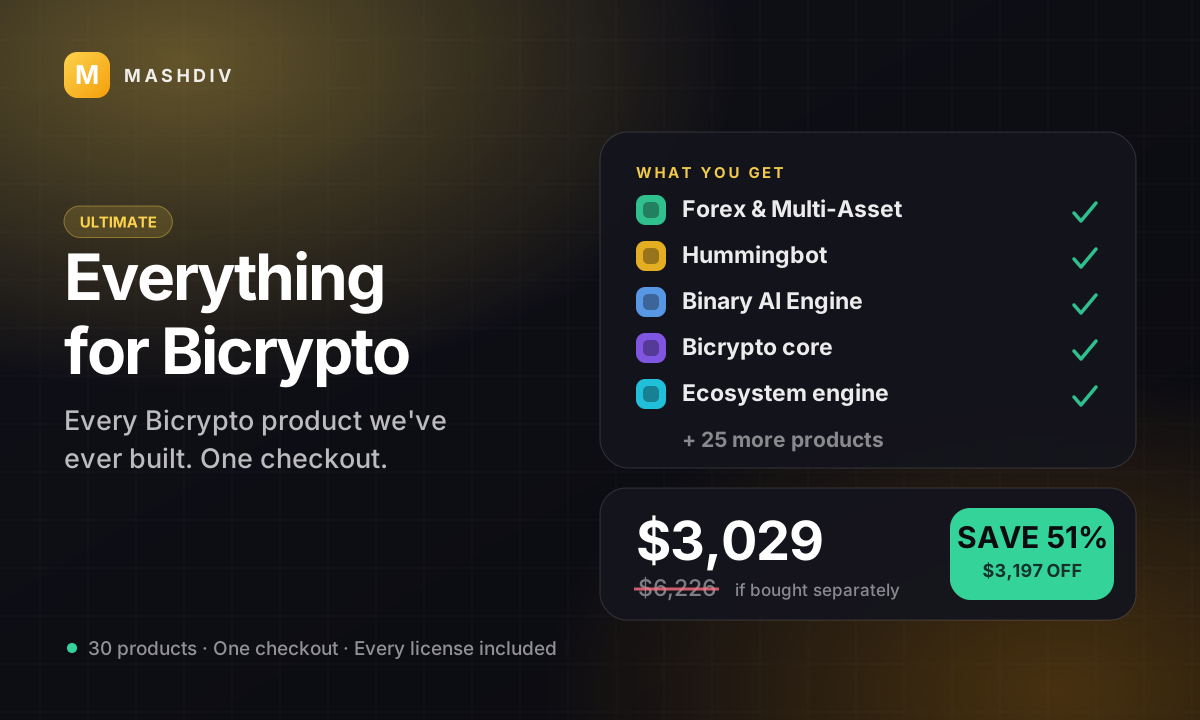
 ULTIMATE
Everything for Bicrypto
Every Bicrypto product we make — every addon, every chain, both apps, one price.
- Forex & Multi-Asset Trading
- Web3 Wallet & On-Chain Trading
- Instant Convert
- Hummingbot Connector
- + 30 more
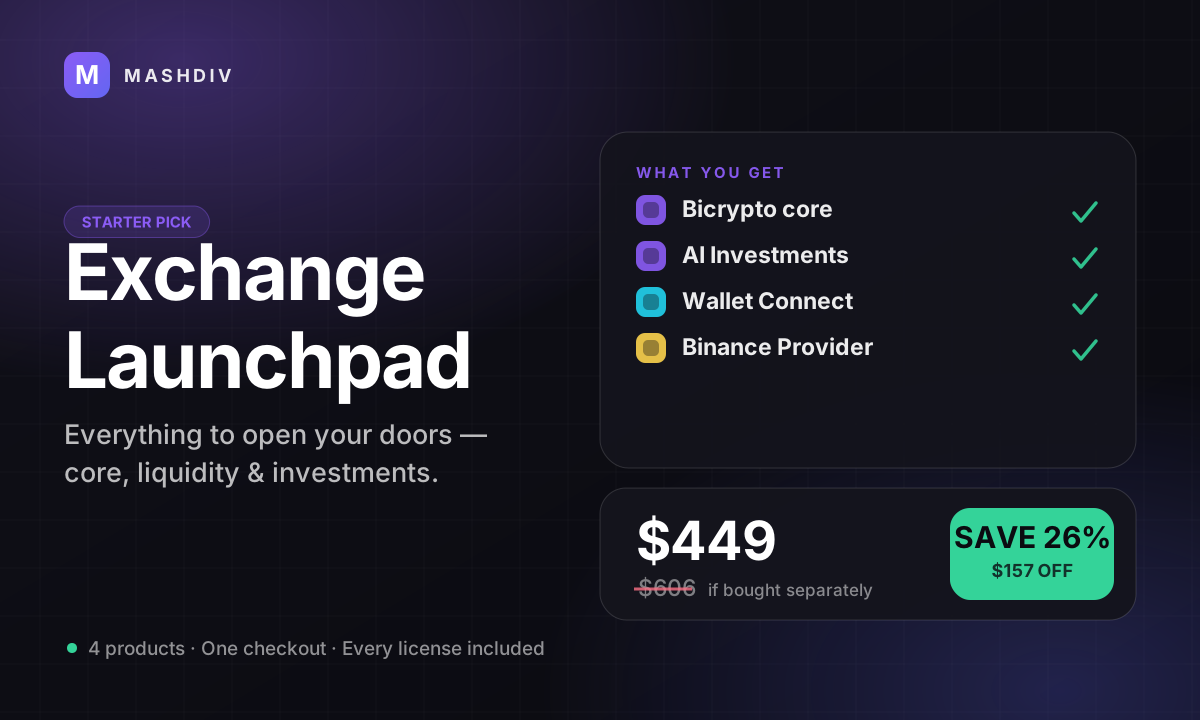
 STARTER PICK
Exchange Launchpad
Everything you need to launch a liquid, revenue-ready exchange this week.
- Bicrypto
- AI Investments for Bicrypto
- Wallet Connect for Bicrypto
- Binance Exchange Provider
Keep exploring
Related products
 Provider
KuCoin Exchange Provider
Back your spot desk with your own KuCoin account: markets, balances, deposits and payouts, one connection.
 Provider
XT Exchange Provider
Run your platform's whole spot desk off your own XT account — one licence, one switch, one credential pair.
 Provider
Hummingbot Connector
Make your platform a venue Hummingbot can trade on — and keep the kill switch in your admin panel.