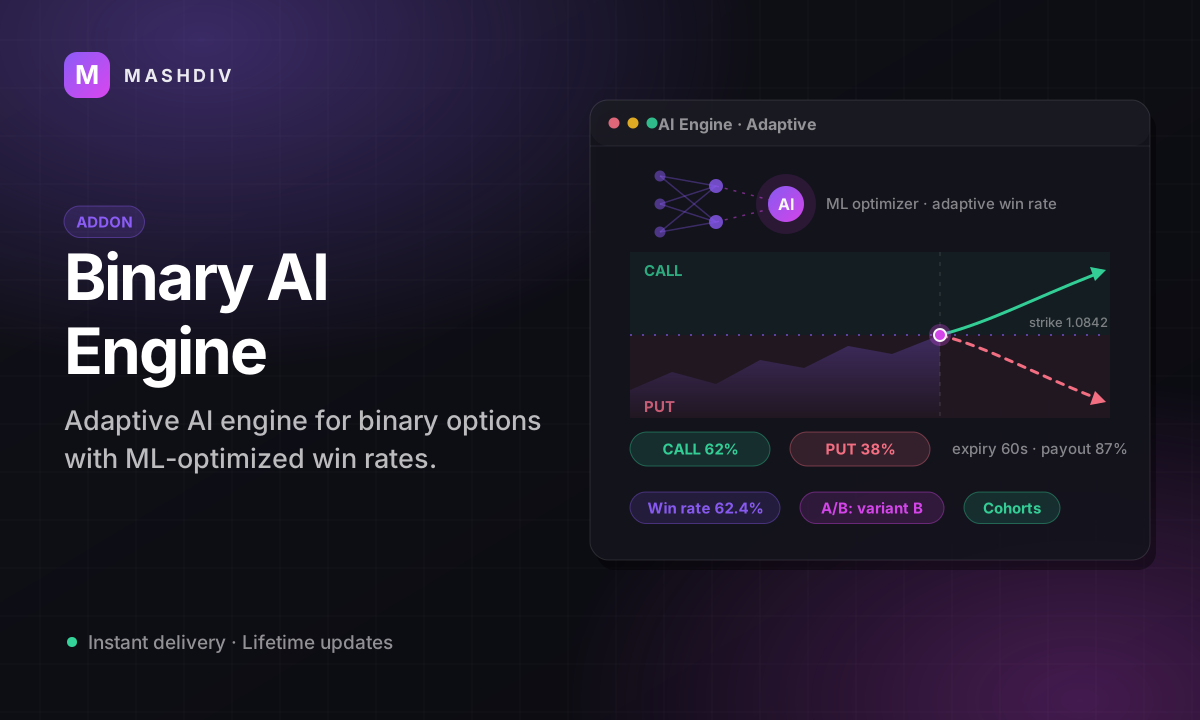
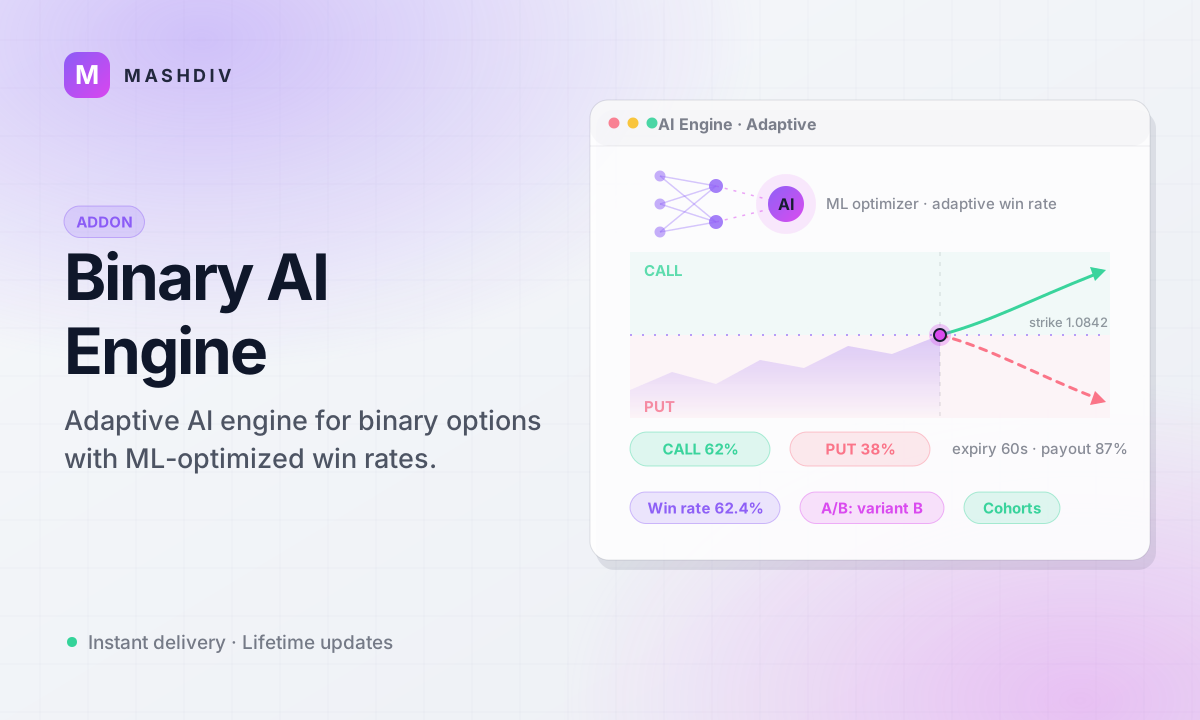
Binary Trading AI Engine for Bicrypto
Hold your binary book to a user win rate you choose, inside bounds the code will not let you exceed.
- A target user win rate per market, so your house margin is a setting not a season
- A platform 25–45% band re-applied to every decision, whatever an engine says
- A steering band you set, hard-capped at 1% in code — the nudge stays a nudge
- Fails safe everywhere: any missing precondition settles the contract honestly
- Twenty recorded settlement reasons, so a quiet engine tells you why it is quiet
- A daily loss budget that overrules the win-rate target when the two disagree
- Per-order exposure caps refused at placement, before the stake is ever taken
- Whale detection with cap, alert-only or force-loss handling, chosen per engine
- Volume, deposit or manual tiers that reward your highest-turnover customers
- Big-win and streak cooldowns that cool a hot account without an engine edit
- Simulation and global practice modes: a full period of decisions, none applied
- A snapshot before every edit, one-click rollback and an append-only action log
Inside the Binary AI Engine
A house margin you choose, not one you get
On a binary market you are the counterparty to every trade, so the house P&L swings hard even when the long-run maths is sound. This is the dealing-desk layer that holds realised outcomes to a user win rate you set — inside bounds the code will not let you exceed, with per-user tiers, cooldowns, whale handling and a loss budget that overrules the target rather than the other way round.
In detail
On a binary market you are the counterparty to every trade: when a customer wins, the house pays. Left alone that is a coin flip with a payout haircut, and the house P&L swings hard even when the long-run maths is sound. This addon makes it a number you chose: you set a target user win rate and the engine steers realised outcomes toward it inside tight, configurable bounds.
How it works
One engine binds to one AI Market Maker on an ecosystem market, a price series your own platform publishes. Once a second it groups the open Rise/Fall orders on that symbol into expiry buckets and decides which side should win, given the realised rate this period, your target, tier bonuses, cooldowns, whale caps and the remaining loss budget. At settlement the honest close is moved by at most the fraction you set — the create form seeds 0.5%, and 1% is a hard ceiling in code — and that price is published into the candle your customers are watching. Every step fails safe: any missing precondition and the contract settles on the honest close, with the reason recorded on the row.
What you set
| Control | Range | What it decides |
|---|---|---|
| Target user win rate | 25–45%, re-clamped every decision | the margin you hold |
| Variance band | ±0 to 50 points | how often it intervenes at all |
| Steering band | 0 to a 1% code ceiling | how far a close may move |
| Tiers | volume, deposit or manual | a bonus for your best customers |
| Cooldowns | big win, streak or manual | a reduction after a hot run |
| Whale handling | cap, alert only or force loss | what a very large ticket gets |
| Daily loss budget | per engine | when the book overrules the target |
What operators control
A new engine is always created **paused**, and activating it re-checks that the market maker is really running. Simulation mode records a full period of decisions and steers nothing; a global pause and an emergency stop halt every engine at once. Every decision, refusal, cooldown and edit lands in an append-only log across **20 action types**, a snapshot is taken before every change with one-click rollback, and **23 platform settings** across six tabs bound the rest.
This addon deliberately influences the settlement price of real-money contracts. Whether you may operate it at all depends on your jurisdiction, your licence and your terms of service; nothing in the product makes that judgement for you. It also requires Bicrypto, Ecosystem and AI Market Maker — it can only steer a price series your own platform publishes — and it touches Rise/Fall only: every other contract type settles untouched.
A bounded nudge, published to the chart your customers are watching
Once a second the engine groups the expiring Rise/Fall orders on its market into one-minute buckets and decides which side should win, given the realised rate this period, your target and every adjustment below. At settlement it moves the honest close by at most the fraction you set — the create form seeds 0.5%, and 1% is a hard ceiling in code, re-clamped when the configuration loads so a direct database edit cannot widen it — and writes that price into the candle series clients can see. A user who won by more than the band still wins.
It fails safe in twenty recorded ways: an exchange-backed market, a market maker that is not running, an expiry candle that already closed, a publish that failed. Each settles on the honest close and names its reason on the position row.
Tiers and cooldowns move the bucket, not one person's luck
A tier ladder — five steps BRONZE to DIAMOND for the engines that exist when you enable the extension, and yours to draw for any engine created after — adds a win-rate bonus for your highest-turnover or highest-deposit customers, measured by volume, by deposits or assigned by hand. Cooldowns pull the other way: a big win or a win streak on your market applies a temporary reduction to that account, and support can add or lift one without touching engine configuration. Both land inside the platform band you set, and a whale in the bucket caps the result last of all.
One published close resolves every order sharing an expiry minute, so two customers who expire together always get the same outcome. A tier raises the bucket's target; across many buckets the realised rates genuinely diverge.
Your limits bind before the win-rate target does
A forced win lands on whichever side holds the most orders, which under a herd is exactly where the money is. So the exposure cap is enforced at order placement, before the stake is taken and in the platform's own words. A daily loss budget is checked before a side is committed: if honouring the target would breach it and the alternative would not, the engine takes the alternative and records why. Whale tickets are classified and then capped, alerted on, or pushed to lose — you pick which.
Simulation mode runs an engine for a full period recording every decision and steering nothing, and a global practice switch does the same for every engine at once. Validate a configuration before you put money behind it.
The model recommends a target; two floors and two bounds decide what lands
Training fits a model on that engine's own settled live orders over the last thirty days, grouped into hourly buckets, and refuses outright under fifty buckets. It returns a recommended win rate and a confidence figure — which measures how much recent activity there is, not how good the model is. If you have switched auto-apply on for that engine, two floors decide whether anything is written at all: confidence has to clear one half, and the last fit has to have landed within five points on at least half of its own training samples. What lands then is not the recommendation itself — the move is cut to the step you set and the result clamped to 25–45%, and a net change under half a point is recorded as no change. The screen prints what the run did in the same words the code used, including the exact figure that refused it.
Auto-apply is off unless you switch it on, engine by engine, and the screen asks before a training run that will write. The shipped step is one percentage point per application, so a recommendation far from your current target arrives over several runs rather than in one.
On a tape you publish yourself, nothing else would notice it had drifted
Each engine compares the price your platform publishes against an outside reference you pick, on its own market and no other, on a repeating check. One excursion raises nothing: the run of consecutive checks past your threshold has to reach three, and any check back inside the band resets the count to zero. The alert that follows carries both prices, the gap between them and a grade taken from the size of that gap — under 2% low, 2–5% medium, 5–10% high, over 10% critical. It stays active until an operator acknowledges or resolves it, and the resolve dialog will not submit without a note. A second breach on a symbol that already has an open alert updates that alert rather than stacking another.
It reports the gap and does nothing about it — no part of this rewrites your price to match the reference. Turning monitoring on without naming a provider is refused at the API rather than accepted and left silently down.
One control halts every running engine, and asks why before it does
Emergency stop takes the engines whose status is ACTIVE, sets each to STOPPED, drops them out of memory and clears the tick loop. A paused engine is not running, so it is left exactly as it was. Confirm stays disabled until you have typed a reason, and that reason is written to the append-only action log against every engine the stop actually affected, with the admin who pressed it. Nothing brings them back on its own: each engine is started again by hand.
The settings page also carries a global pause, which tears down the correlation monitors with it and is undone by flipping the same switch back. The emergency stop is not reversible in that sense — it rewrites each engine's stored status, and starting one again is a fresh activation with its own preconditions.
Every accepted edit leaves a restore point, and one click spends it
An engine edit is validated first and snapshotted second, so a rejected change leaves no restore point behind for something that never happened. A snapshot captures thirty-eight configuration columns plus the period's figures at the moment it was taken; the runtime status column is deliberately excluded, because restoring it would put the database out of step with the running loop. Rolling back names the snapshot and the market first, takes its own snapshot of the state it is about to replace, restores those thirty-eight columns and reloads the running engine with no restart. Automatic snapshots are pruned to the newest fifty per engine; the ones you take by hand are never pruned.
The restore covers simulation mode, the settlement steering band, the daily loss limit and unattended retargeting, and the dialog says so before you press. Positions and the action log are not configuration and are never rewritten by a rollback.
- the enforced win-rate band
- 25–45%
- hard cap on the price nudge
- 1%
- platform settings
- 23
- audited action types
- 20
Everything included
99 capabilities, in 10 areas
Every item below exists in the source you receive. Nothing here is a roadmap.
Engines and markets
What an engine is bound to, and how it is turned on.
- One engine per AI Market Maker, on a unique index — the create screen only offers market makers that do not already have one
- Three-step create wizard: pick the market, set the win-rate config, switch on the features
- Engine registry listing every engine with its symbol, status and period figures
- ACTIVE, PAUSED and STOPPED, with every transition audited and an optional reason recorded
- Activation refused while the attached market maker is not running, and told to you as a precondition
- A new engine is always created paused, whatever the request asks for
- Engine record page in five tabs: overview, steering, traders, risk and activity
- Every edit validated, snapshotted, then hot-reloaded onto the next tick — no restart
- Restart recovery: an active engine reloads itself after a deploy or a crash
- A status response that says whether the engine is really resident, not merely recorded as active
- Deletion refused unless the engine is STOPPED first; tiers, cooldowns, snapshots, simulations and experiments go with it
Win-rate targeting
The number you choose, and the bounds it is held inside.
- A target user win rate per engine, 25–45%, enforced by the model itself
- A variance dead band: while the realised rate sits inside it the engine forces nothing
- A platform floor and ceiling re-applied to every decision, refreshed from settings every cron cycle
- Win-rate periods with their own wins, losses and realised platform profit
- A period length in hours, from 1 to a year, rejected at 0 by the update route
- Automatic rollover, archived to daily statistics before the counters clear
- Force a period reset on one engine, or on every engine at once
- Parallel practice counters, so demo trading never moves the live rate
- An empty period reports the target as its realised rate, so a fresh period never opens with a forced outcome
- A drift verdict computed server-side: above, below, on target, or too few trades to say
Settlement steering
What actually happens to a contract, and every way it does not.
- A once-a-second pass grouping the open Rise/Fall orders on a symbol into expiry buckets
- A lead-time window and a minimum staked amount that decide which buckets qualify at all
- A steering band set as a fraction of the honest close, hard-capped at 1% in code and re-clamped when configuration loads
- The decision written onto every position row in the bucket, and refreshed each tick as its composition changes
- One published close per expiry minute, pinned in this process and durably across processes
- The steered price published into the visible candle before it is returned — an unpublishable price settles honestly
- Refusal on an exchange-backed market, a market maker that is not running, or an expiry candle that already sealed
- A settlement verdict recorded on every position row: steered, bucket-pinned, or a named fair reason
- Every failure path settles on the honest close; the settlement hook cannot throw into the trade path
Tiers and cooldowns
The two per-customer adjustments, pulling in opposite directions.
- A tier ladder per engine — two engines on one platform can run completely different ladders
- A five-step BRONZE-to-DIAMOND ladder seeded for the engines that exist when the extension is enabled; an engine created later starts with no tiers and you draw its ladder yourself
- Tiers measured on settled volume, on total deposits, or assigned by hand
- A win-rate bonus per tier, capped at 20 points
- Half-open volume bands with an unbounded top tier, so every customer lands in exactly one
- Tier create, edit and delete screens; an inverted band is refused at the API rather than saved dead
- Big-win cooldowns triggered on realised profit, with their own duration and reduction
- Win-streak cooldowns scoped to the engine's own market, not to platform-wide wins
- Manual cooldowns support can apply or lift without touching engine configuration
- One active cooldown per customer, per engine, per reason — refreshed, never stacked
- A big-win and a streak cooldown can be held at once; the one expiring latest is the one that applies
- Expired cooldowns swept automatically at every period rollover
- Deactivate, delete or bulk-clear cooldowns; the bulk clear deactivates so the record survives
House limits and whales
What binds before the win-rate target does.
- A daily loss budget checked before a side is ever committed
- The alternative side taken, and the reason stamped on the decision, when honouring the target would breach it
- A per-order exposure cap enforced at order placement, before the stake is taken
- The tightest cap wins when more than one active engine manages a symbol
- An emergency stop-loss threshold that grades a situation critical rather than merely high
- A five-factor risk assessment: daily P&L, exposure, whale exposure, win-rate deviation and order velocity
- Whale classification in four bands: standard, high volume, whale and mega whale
- Reduce-exposure, alert-only and force-loss whale strategies, plus an opt-in whale alert switch
- The whale cap applied last — after tier bonuses, after cooldowns, after the platform band
Shadow modes and kill switches
Running it without touching an outcome, and stopping it when you must.
- Per-engine simulation mode: every decision recorded, no settlement steered, and the exposure cap lifted
- Simulated decisions optionally written to the action log as their own audit rows
- A platform-wide practice mode that shadow-runs every engine at once
- Demo handling per engine: disabled, same as live, or its own practice target and variance
- A global pause, instantly reversible, that also tears down every correlation monitor
- An emergency stop across every running engine, with a reason that is required and recorded on each
- Pause all, resume all, reset all periods, create all snapshots and clear all cooldowns, from one tab
- A master switch that fails closed: if the settings store cannot be read, the engine is treated as disabled
Analytics and optimisation
Measuring whether the number you chose was the right one.
- A recommended win rate from a model trained on that engine's own settled history
- Training off the event loop in a worker thread, recording its loss, accuracy and a trained-at stamp
- Three objectives: profit, retention or balanced
- Opt-in automatic application, bounded by a step ceiling and gated on both confidence and the model's own accuracy
- Cohorts by signup date, deposit amount or trade frequency — no free-form query is ever run
- Eight one-click cohort templates covering new, established, small, medium, large, casual, active and power traders
- Cohort metrics: users, positions, volume, win rate, average size, retention, realised profit and a tier breakdown
- Cohort comparison, flagging significant differences per metric
- A/B tests with control and treatment arms, a traffic split and a minimum sample size per arm
- Deterministic arm assignment, attributed per position rather than per customer
- Demo buckets never enrol in a live experiment, so practice volume cannot decide a result
- Results with a winner, a confidence level, an apply-the-winner path, and automatic closure at the configured duration
- Hour-of-day and day-of-week breakdowns over a configurable window, plus advisory per-hour targets
Price correlation
On a series you publish, nothing else would tell you it had drifted.
- Your published price compared against Binance, CoinGecko or CryptoCompare
- A check interval and a deviation threshold set per engine
- A consecutive-breach count before an alert is raised
- Four alert severities derived from the size of the deviation
- Alerts acknowledged or resolved, with per-symbol history
- Monitors reconciled on every cron cycle, so they come back by themselves after a deploy
- A single comparison on demand, from the screen
Record, rollback and audit
What it was configured to do, and what it did.
- An automatic configuration snapshot before every engine edit, taken after validation so a rejected edit leaves none
- Manual snapshots, and one per engine across the whole fleet in a single action
- 38 configuration columns captured; the runtime status column deliberately excluded
- One-click rollback that snapshots the state it is replacing first
- Automatic snapshots capped at 50 per engine; manual ones never pruned
- An append-only action log over 20 action types, filterable per engine
- Positions and the action log deliberately survive engine deletion, so the record of what an engine did outlives the engine
- A position record per order: tier, whale flag, cooldown, experiment arm, outcome and realised house profit
- A position browser per engine, filterable by status and by whale flag
- Daily statistics per engine and per day, with live and demo kept apart
- Per-engine statistics: current period, performance summary, tier breakdown and whale figures
The console
The screen that answers whether anything needs you today.
- Fleet counts by status across every engine, not a page of them
- Today's settled orders, win rate and realised platform profit
- Engine cards ranked by how badly they need an operator, not by insertion order
- A settlement verdict histogram over the last 24 hours, so a quiet engine names its own reason
- Recent engine events, labelled as a capped sample rather than a total
- A separate query for whether the kill switch fired, so a stop is never buried under newer rows
- Polling that keeps the last good figures when a refresh fails, and says the figures are stale
- Every figure filtered to real money, with profit printed in the market's quote asset
- Licence
- Extension licence, activated in the platform's own extension manager against your purchase code
- Runs on
- Your existing Bicrypto install. No installer, no separate service, no additional dependency of its own
- Processes
- One scheduled job on a 10-second period, plus a once-a-second tick loop inside the backend process
- Admin surface
- 14 admin screens under /admin/ai/binary-engine
- API
- 56 admin endpoints, every one permission-gated
- Access control
- 27 permission keys across engines, tiers, cooldowns, snapshots, analytics, correlation and settings
- Platform settings
- 23 settings over six tabs: engine, win rate, tiers, cooldown, whale and emergency
- Data
- 13 tables, including an append-only action log and a per-order position record
- Integrates with
- Bicrypto's binary settlement path, Ecosystem markets and the AI Market Maker price series. Binance, CoinGecko or CryptoCompare as an external reference for correlation monitoring only
- Needs three other products
- Bicrypto, Ecosystem and AI Market Maker, all installed, licensed and running. An engine binds one-to-one to a market maker and may only steer a market whose price series your own platform publishes.
- Rise/Fall only
- The settlement seam opens by checking the contract type. Higher/lower, touch/no-touch, call/put and turbo settle untouched, as does every non-binary product on the platform.
- Ecosystem markets only
- A binary market sourced from a connected exchange can never be steered — the tape is not yours to publish. The refusal is recorded on every settlement.
- It does not set payouts
- What a winning contract pays comes from the core binary settings and is stamped on the order at placement. There is deliberately no payout column on an engine.
- It steers a bucket, not a person
- One published close resolves every order sharing an expiry minute, so two customers who expire together always get the same outcome. Tiers and cooldowns move the bucket's target.
- A target, not a guarantee
- The engine steers realised outcomes toward the rate you set, inside a bounded band, over a period. Any missing precondition settles the contract on the honest close, and every one of those refusals is named on the row.
- One process
- The tick loop and the engine map live on the main thread. Under the threaded entry point or PM2 cluster mode, engines cannot be started or stopped from the admin screens.
- No customer-facing screen
- Everything here is an admin console. Nothing this addon adds is visible to a trader; the trading screens stay exactly as core Bicrypto ships them.
- Whether you may run it is your call
- This deliberately influences the settlement price of real-money contracts. Whether you may operate it depends on your jurisdiction, your licence and your terms of service. Nothing in the product makes that judgement for you.
Loved by customers
Reviews
No reviews yet. Own it? Share your experience.
Own this product? Sign in to leave a review.
Better together
Bundles containing this product
Get Binary Trading AI Engine for Bicrypto for less as part of a bundle.
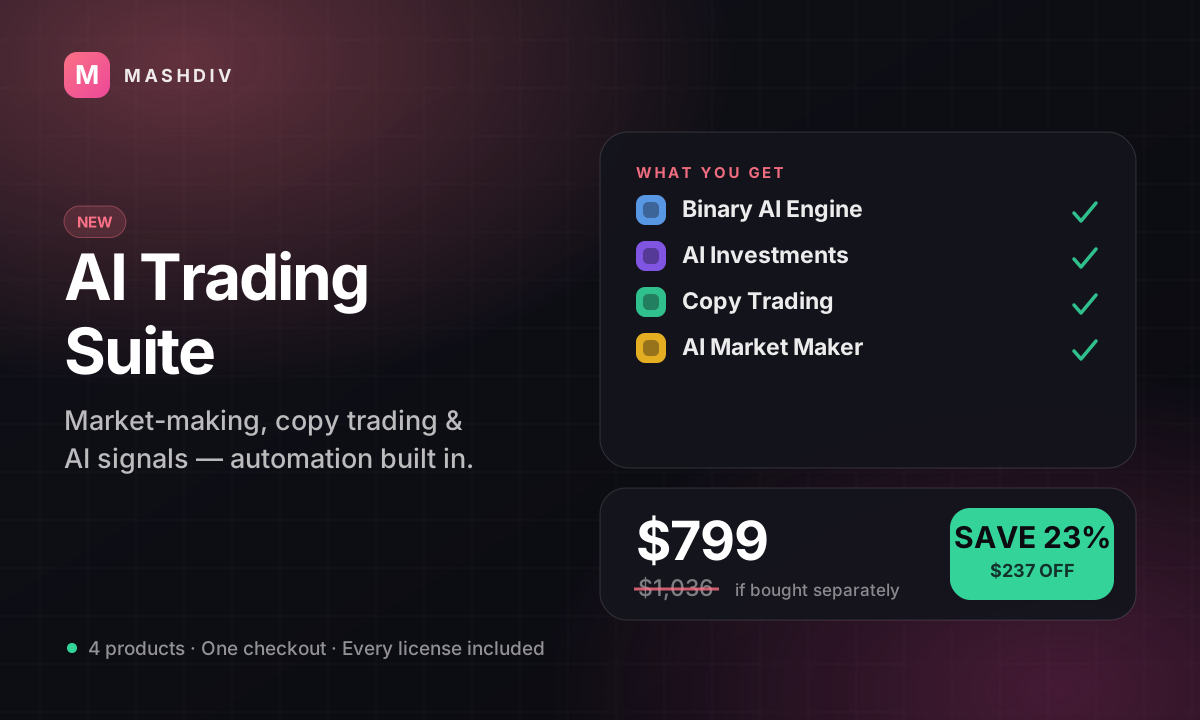
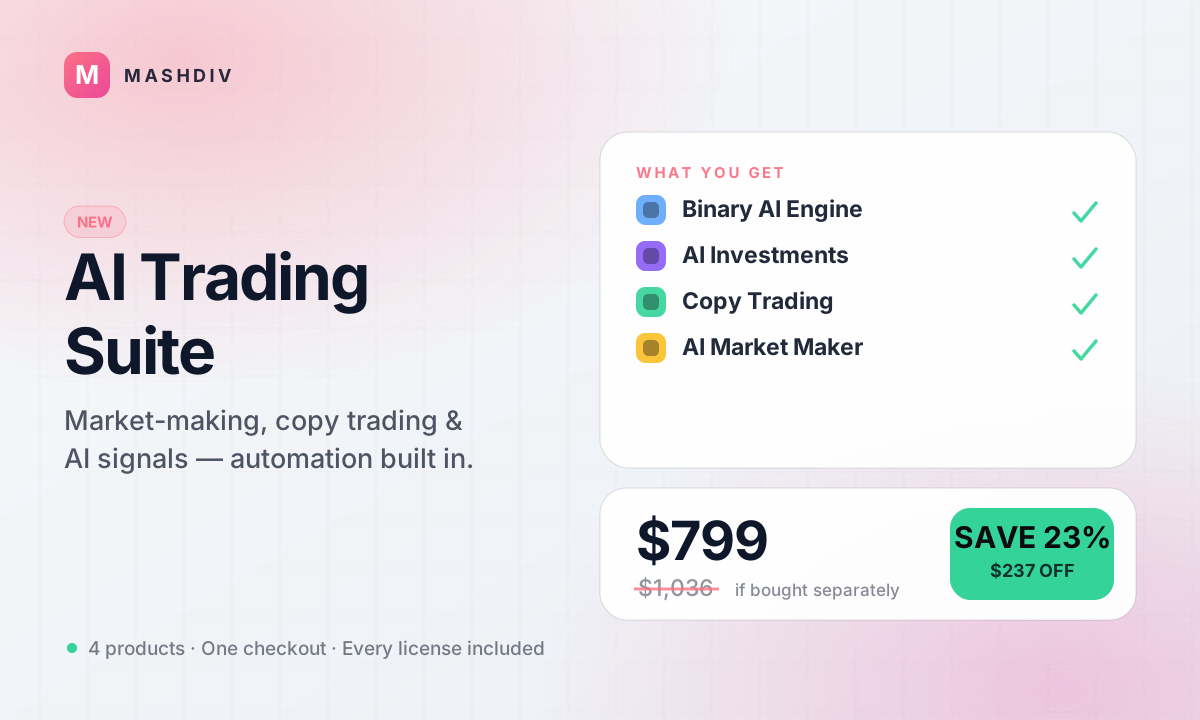 NEW
NEWAI Trading Suite
Every AI-powered edge on Bicrypto — market making, signals, and copy trading in one suite.
- Binary Trading AI Engine for Bicrypto
- AI Investments for Bicrypto
- Copy Trading for Bicrypto
- AI Market Maker
 ULTIMATE
Everything for Bicrypto
Every Bicrypto product we make — every addon, every chain, both apps, one price.
- Forex & Multi-Asset Trading
- Web3 Wallet & On-Chain Trading
- Instant Convert
- Hummingbot Connector
- + 30 more
Keep exploring
Related products
 Addon
AddonAI Investments for Bicrypto
A duration-based investment product where you set the term, the rate and the outcome — and fund it yourself.
 Addon
AddonForex Investment for Bicrypto
Run a managed forex desk: you set the plan, the term and the payout, and settlement runs itself hourly.

 Addon
AddonMLM & Affiliate System
Your members bring the next ones, and you pay commission only when a referral actually deposits or trades.