MailWizard for Bicrypto
Design an email, tick recipients out of your own user list, and let an hourly job send it at your rate.
- Drag-and-drop email editor — the design and the exported HTML saved together
- Saved blocks: build a header or a legal footer once, drop it into any template
- Import HTML you already have as a template in a single call
- Recipients come straight from your user table — no export, no subscriber list
- Emails per hour is a real budget, and the form shows the finish time as you type
- One hourly job does the sending — nothing extra to install or keep alive
- Per-recipient SENT or FAILED, with the mail transport's own error text
- Retry failed re-queues only the bounces and never re-mails a delivered address
- Statuses persist every ten sends, so a restart re-sends at most ten emails
- Five failures in a row ends the run — an outage costs an hour, not a campaign
- Stalled Sends counts active campaigns the job has not written to in an hour
- Per-screen permissions, an audit-logged admin trail and demo address masking
Inside MailWizard
A bulk-email desk that lives in your admin panel
Design an email from reusable blocks, tick recipients out of the user table you already have, and let a background job send it at a rate you choose — over the same mail transport that already carries your password resets.
In detail
MailWizard turns your admin panel into a small bulk-email desk. You design an email in a drag-and-drop editor, tick recipients out of the user table you already have, and a background job sends it at the rate you set. Nothing leaves the install: no subscriber export, no marketing platform, no per-recipient bill. It needs Bicrypto core and nothing else — no Ecosystem, no ScyllaDB, no extra service.
How it works
A template holds two payloads: the exported HTML the recipient receives, and the editor's design so you can reopen and revise it. A campaign is a name, a subject, a template and a list of people copied off that table. Set it Active and one hourly cron job picks up every active campaign, attempts at most the number you put in Emails per hour, marks each recipient SENT or FAILED, then stops until the next hour. So Emails per hour is a real per-hour budget, and the form works out the finish time as you type.
The surface you configure
| Screen | What you set |
|---|---|
| Templates | the design, the exported HTML, and an import route for HTML you already have |
| Blocks | saved rows — a header, a legal footer, a signature — that drop into any template |
| Campaigns | name, subject, template, emails per hour, and the recipient list |
| Lifecycle | six states: PENDING, ACTIVE, PAUSED, STOPPED, COMPLETED, CANCELLED |
| Permissions | an access key plus view, create, edit and delete — per screen |
What operators control
- Five controls: Start, Pause, Retry failed, Stop and Cancel. Retry re-queues only the failures; Stop resets the whole list and re-mails everybody, so it confirms first with the number.
- Guards you would not want off: three attempts per address, statuses written back every ten sends, and a run that ends itself after five failures in a row.
- A Stalled Sends tile counting active campaigns the job has not touched in an hour, per-screen permissions, an audit trail on every write, and demo address masking.
Two things to plan around. Saving a campaign caps its recipient list at 10,000 characters — about fifteen picked recipients — so a big audience is several campaigns, or one call to the targets endpoint, which takes 100,000. And it is deliberately small: no open or click tracking, no bounce handling, no scheduling, no segments, no merge tags, one global sender, and no unsubscribe link inserted for you. If an opt-out is required where you send, put a real link in your template and honour it yourself. It also needs a working outbound mail transport: if password resets do not arrive, no campaign will either.
One hourly job is the whole send engine
There is no queue worker, no scheduler and no send button that sends. A cron entry wakes once an hour, picks up every campaign you have set Active, and attempts at most the number of addresses you put in Emails per hour before stopping until the next hour. Each recipient becomes SENT or FAILED on the spot, with the transport's own error text recorded against them. The throttle counts attempts rather than successes, so a provider outage costs you one run's worth of the list instead of the whole campaign, and five failures in a row ends the run early on purpose.
It needs a working outbound mail transport and that is the one hard dependency: campaign mail goes out on the same transport as your password resets. If those do not arrive on your install, no campaign will either — and because campaign sends bypass the platform's email queue, the global mail kill switch does not stop them.
The audience is your own user table, copied onto the campaign
There is no subscriber database, no import and no list that exists apart from a campaign. The Add Targets dialog browses the platform's own users and the ones you tick are copied onto the campaign as a snapshot, each with a delivery status of their own. That is the strength — every address on it already has an account with you — and it is also the thing to plan around, because the copy does not stay in step with the user table afterwards.
Saving a campaign caps its recipient list at 10,000 characters, which is roughly fifteen picked recipients; larger audiences go in through the targets endpoint, which takes up to 100,000. And because the list is a copy, deleting somebody from your user table does not remove them from a campaign that already holds them.
What you build is exactly what lands
A template stores two things: the exported HTML the recipient receives, and the editor's own design so you can reopen and revise it. At send time the HTML is handed to the mail transport untouched — nothing is merged in, nothing is wrapped around it, nothing is appended. That is predictable, which is what you want from a bulk send, and it means anything you need in the email has to be in the template. Save the rows you reuse — a branded header, a legal footer, a signature — as blocks and they drop into every template you build afterwards.
Nothing inserts an unsubscribe link, sets a List-Unsubscribe header or records an opt-out, and no merge tag is resolved. If you send marketing email where an opt-out is required, put a real link in your template — keeping it in a saved block is the only way to be sure every template carries it — and honour it yourself.
A send that has stopped says so on the screen
The whole sending mechanism is a background job you never watch, so the campaign table leads with alarms rather than totals. Stalled Sends counts the campaigns still marked Active that the job has not written to in over an hour — it rewrites the campaign row every time it drains a batch of recipients, so an untouched Active campaign is a job that is not running. The Paused count includes the campaigns the job parked itself: it takes a campaign out of Active when the recipient list cannot be read or the send rate is not at least one, rather than leaving it Active and making no progress for ever. Every decision in a run is written to the platform's scheduled-task log, including why a campaign was parked and why a run ended early.
These figures count campaigns, not emails. Delivery state lives inside the campaign row as JSON, so nothing can total sends or failures across campaigns — per-recipient detail is on the campaign page, and anything wider comes from your mail provider's own dashboard.
A failed address costs you that address, not the campaign
When a run leaves some addresses failed, Retry failed re-queues exactly those and moves the campaign back to Active so the next hourly run picks them up. Recipients already delivered to are never touched, which matters because the other way to re-run a campaign is Stop — it resets every recipient, and it confirms first by naming how many people would be emailed a second time. Each failed recipient carries the transport's own error text, and its attempt count from the second attempt on, so you can see whether retrying is worth it before you press anything. On a campaign that has finished, Retry and Stop are the only two of the five buttons still live.
Three attempts per address and the retry declines that recipient, so a dead mailbox is not tried a fourth time; the retry endpoint takes a force flag for when you know the failures were transient. Recipients carrying no address at all are counted separately and never retried, and a campaign you cancelled stays cancelled — a retry will not reactivate it.
- admin screens
- 3
- campaign states
- 6
- admin endpoints
- 25
- extra services to run
- 0
Everything included
83 capabilities, in 8 areas
Every item below exists in the source you receive. Nothing here is a roadmap.
Designing the email
The drag-and-drop builder, and everything in its toolbar.
- Drag-and-drop email builder, opened full screen
- Layout built from rows, columns and content items
- Builder theme follows the admin panel's light or dark mode
- Built-in image editor
- Stock-image search with safe search enforced
- Preview in the builder, or in a new tab as a standalone page
- Export the finished HTML as a file
- Import HTML you already have — name, body and design in one call
- Unsaved-changes badge, and a warning before you navigate away
- The exported HTML and the editable design stored side by side, so a template reopens
- Subject line lives on the campaign, so one template ships under several subjects
The template library
Reading a template without opening the builder.
- Template table with search, sort, filter and expandable rows
- Sandboxed render of the stored HTML, exactly as it will send
- Row-by-row layout breakdown with column counts and content types
- Row count, content-block count and HTML size per template
- Badges for a template the builder cannot reopen, or one whose body is empty
- HTML source and design JSON kept on the same panel, collapsed
- Each campaign row links straight to the template it uses
Reusable blocks
Build a header, a footer or a signature once.
- Save one row of an email as a block, from its own screen or from inside the builder
- Saving from a template copies the row out and changes nothing in the template
- Row picker naming each row by its column count and content types
- Save one row or the whole design, which contributes each of its rows separately
- Saved blocks appear in the builder's own Blocks panel
- Optional category that groups the panel
- Reload-editor action so a block just saved is usable in the same session, carrying your unsaved design across
- Blocks screen with create, edit and a structure view — rows, columns, content blocks, design size
- Badge on a block whose stored design the builder could not read
- A design that is not a JSON object is refused at the door, before it can blank the whole panel
Campaigns and their audience
Who gets it, and how fast.
- Campaign form: name, subject, template, emails per hour and recipients
- Recipient picker over the platform's own user table, paginated and searchable
- Ticked recipients copied onto the campaign as a snapshot, each with its own delivery status
- Live finish-time estimate under the send-rate field, computed from the recipients still pending
- Warning when a campaign would still be running tomorrow
- Recipient cards with avatar, name, address and delivery badge
- Filter the recipient list by pending, sent or failed
- Remove a recipient while they are still pending
- Six campaign states: pending, active, paused, stopped, completed, cancelled
- Three recipient states: pending, sent, failed
- Recipient list replaceable wholesale through its own endpoint, up to 100,000 addresses
- Bulk delete and bulk status change across selected campaigns
The send engine
One hourly job, and the guards inside it.
- One hourly job that picks up every campaign you have set Active
- Per-campaign emails-per-hour budget, spent on attempts rather than on successes
- Each recipient marked sent or failed as it is attempted
- The transport's own error text recorded against the recipient that failed
- Attempt count kept per recipient
- Five consecutive failures end that campaign's run early, on purpose
- Recipients never reached stay pending, so the next hour resumes where it stopped
- Delivery statuses written back every ten recipients, so a restart re-sends at most ten
- The campaign completes itself once no recipient is left pending
- A campaign with an unreadable list or a send rate below one is paused, not left silently idle
- Mail goes out over the transport the platform already uses — no second account to set up
- Every decision in a run written to the scheduled-task log, including why a run ended early
Controls and recovery
The five buttons, and what each one does to the list.
- Start, Pause, Stop, Cancel and Retry failed, on the campaign page
- Retry re-queues only the recipients that failed, and reactivates the campaign
- Delivered recipients are never touched by a retry
- Three attempts per address before retry declines, with a count of how many are exhausted
- A force flag on the retry endpoint, for when you know the failures were transient
- Recipients with no address counted separately and never retried
- Stop resets every recipient and confirms first, naming how many would be emailed twice
- Pause keeps every status, so Start resumes exactly where it stopped
- Cancel is a dead end a retry will not override
- The failed count on the progress panel is clickable and filters to exactly those addresses
Watching a send
Led by alarms, because the failure mode of bulk email is silence.
- Analytics header over the campaign table, alarms before totals
- Stalled sends — active campaigns the job has not written to in over an hour
- Counts of campaigns sending now, paused (including the ones the job paused itself) and never started
- Average send throttle across the campaigns actually sending
- Completion rate over the campaigns that reached an end, and average time to complete one
- Status distribution across all six states, and campaign states over time
- Busiest templates, ranked, so you know which template carries the volume
- Per-campaign progress bar measuring attempts, with delivered and failed stated separately
- Recipient list in the view dialog, failures first, then pending, then sent
- Each failed recipient carrying its error text inline, and its attempt count from the second attempt on
Access and operations
- 15 permission keys — access, view, create, edit and delete across campaigns, templates and blocks
- Page access and API access gated separately, per object
- Bulk delete on every list screen, refused on an empty selection
- Soft deletes on all three tables, restorable, with a permanent delete behind an explicit flag
- Every write recorded in the admin audit trail under its own module
- Reads logged too, so the trail shows who opened a recipient list as well as who changed one
- Recipient addresses masked in demo mode, on both the list and the detail endpoint
- The one scheduled job listed under its own category on the platform's cron screen, and runnable by hand from there
- Licence gate scoped to the extension, covering the content and not the navigation
- Disabling the extension deregisters the send job within about a minute, leaving every row intact
- Screens carried in the platform's full 90-language interface
- Licence
- Addon licence, activated in the admin panel against your purchase code. Product id 45613491.
- Requires
- Bicrypto core, licensed separately. Nothing else — no Ecosystem, no ScyllaDB, no extra service.
- Runs on
- Your own server, inside the Bicrypto tree. No separate installer and no hosted tier.
- Processes
- None of its own. One cron entry registers under the `mailwizard` category in the platform's existing scheduler.
- Data stores
- MySQL only — three tables, all soft-deleted
- Admin surface
- 3 screens — Campaigns, Templates, Blocks — plus their create and edit pages, and 25 REST endpoints
- Access control
- 15 permission keys over three objects
- Integrates with
- Your own user table, for recipients; the platform's mail transport, for sending; the admin audit trail and the cron monitor
- Needs a working mail transport
- MailWizard owns no sender, no queue and no sending domain — it calls the platform's mailer. If password-reset emails do not arrive on your install, no campaign will either.
- No scheduling
- There is no send-at date or time. A campaign starts when you set it Active, and the next hourly run picks it up — so allow up to an hour before the first email leaves.
- No segments, lists or imports
- The audience is whoever you tick in the picker, copied onto the campaign. There is no subscriber database, no CSV import, no tags and no segmentation — and the picker's search matches first name only.
- Roughly fifteen recipients per save
- Saving a campaign from the admin screens caps its recipient list at 10,000 characters, and a picked recipient carries their whole user profile. Split a large audience across campaigns, or write it through the targets endpoint, which has no character cap and takes up to 100,000.
- No tracking and no bounce handling
- No open pixel, no link rewriting, no click rate, and nothing reads a bounce mailbox or a provider webhook. Sent means the mail server accepted the message — not that it was delivered, and certainly not that it was read.
- The HTML is sent verbatim
- No merge tags are resolved, no plain-text alternative is generated and nothing is wrapped around your template. `%FIRSTNAME%` arrives as `%FIRSTNAME%`. Anything the email needs has to be in the template.
- No unsubscribe link and no suppression list
- Nothing inserts an opt-out URL, sets a List-Unsubscribe header, records an opt-out or excludes an address from a future campaign. Where an opt-out is required, put a real link in your template — a saved block is the way to be sure every template carries it — and honour it yourself.
- One sender for the whole platform
- The From address and name come from your environment file and are the same for every campaign and every platform email. There is no per-campaign sender, so a bulk send shares its reputation with your password resets.
- No reporting across campaigns
- Delivery state lives inside the campaign row as JSON, so nothing can count recipients, sends or failures across campaigns. The analytics report on campaign rows, not on mail; anything wider comes from your mail provider's own dashboard.
- No AI, and no customer-facing pages
- Nothing writes or generates your copy. Everything is admin-side: your customers never see MailWizard, they only receive its email.
Loved by customers
Reviews
No reviews yet. Own it? Share your experience.
Own this product? Sign in to leave a review.
Better together
Bundles containing this product
Get MailWizard for Bicrypto for less as part of a bundle.
 ULTIMATE
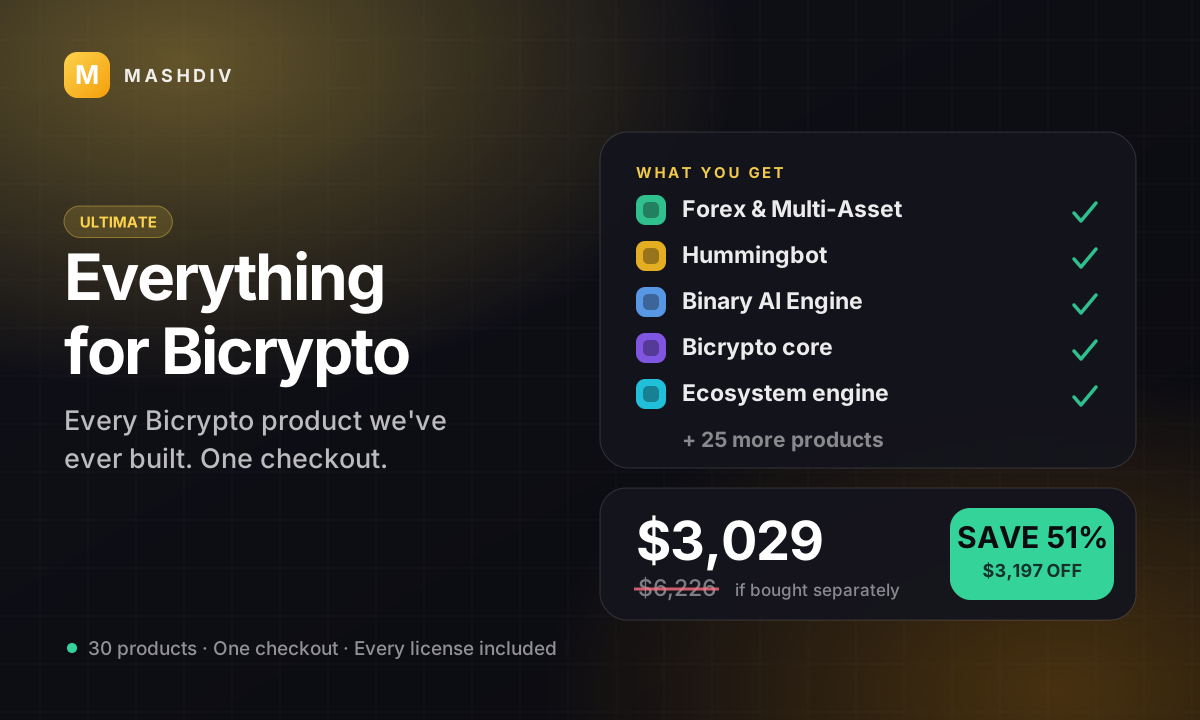
Everything for Bicrypto
Every Bicrypto product we make — every addon, every chain, both apps, one price.
- Forex & Multi-Asset Trading
- Web3 Wallet & On-Chain Trading
- Instant Convert
- Hummingbot Connector
- + 30 more
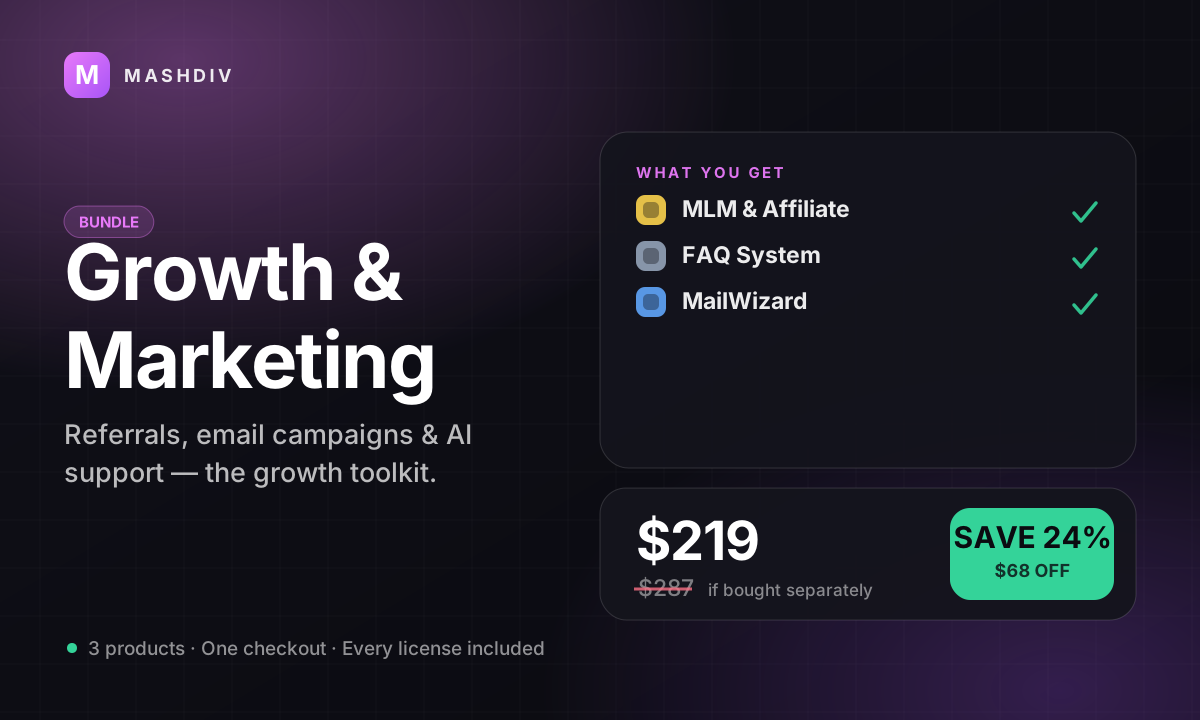
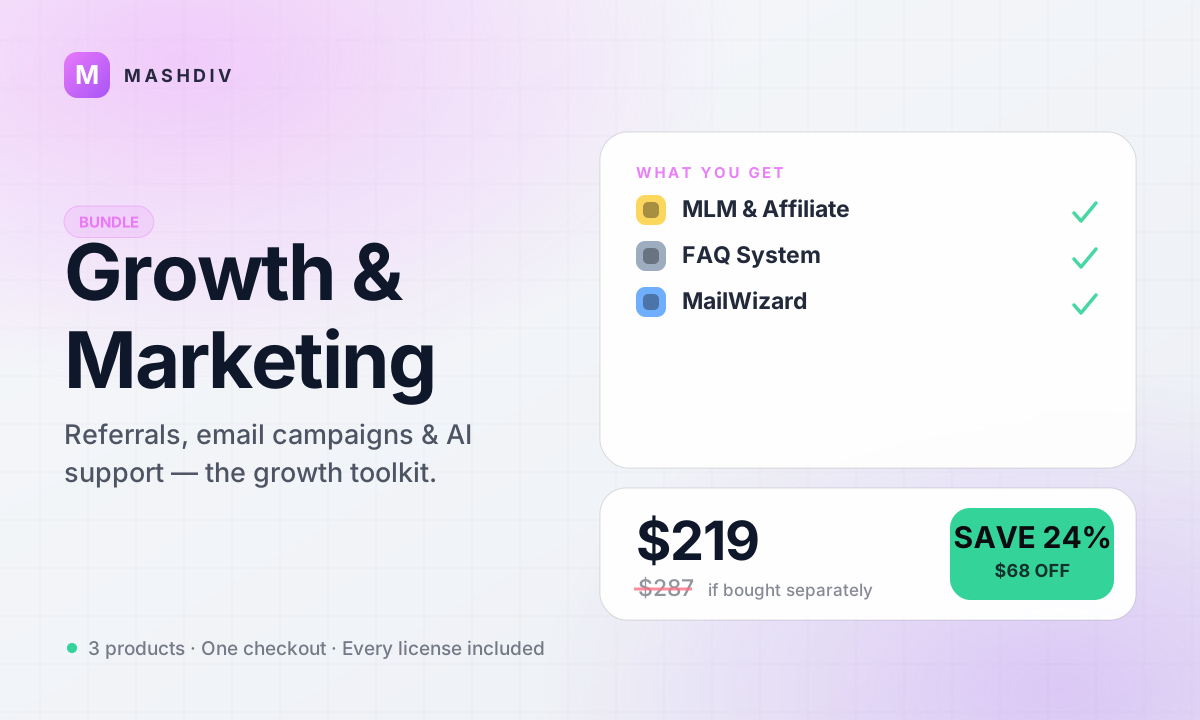
Growth & Marketing Pack
Acquire, activate, and retain — the complete growth toolkit for your exchange.
- MLM & Affiliate System
- FAQ System for Bicrypto
- MailWizard for Bicrypto
- AI Support Agent for Bicrypto
Keep exploring
Related products
 Addon
AddonAI Investments for Bicrypto
A duration-based investment product where you set the term, the rate and the outcome — and fund it yourself.
 Addon
AddonForex Investment for Bicrypto
Run a managed forex desk: you set the plan, the term and the payout, and settlement runs itself hourly.
 Addon
AddonMLM & Affiliate System
Your members bring the next ones, and you pay commission only when a referral actually deposits or trades.