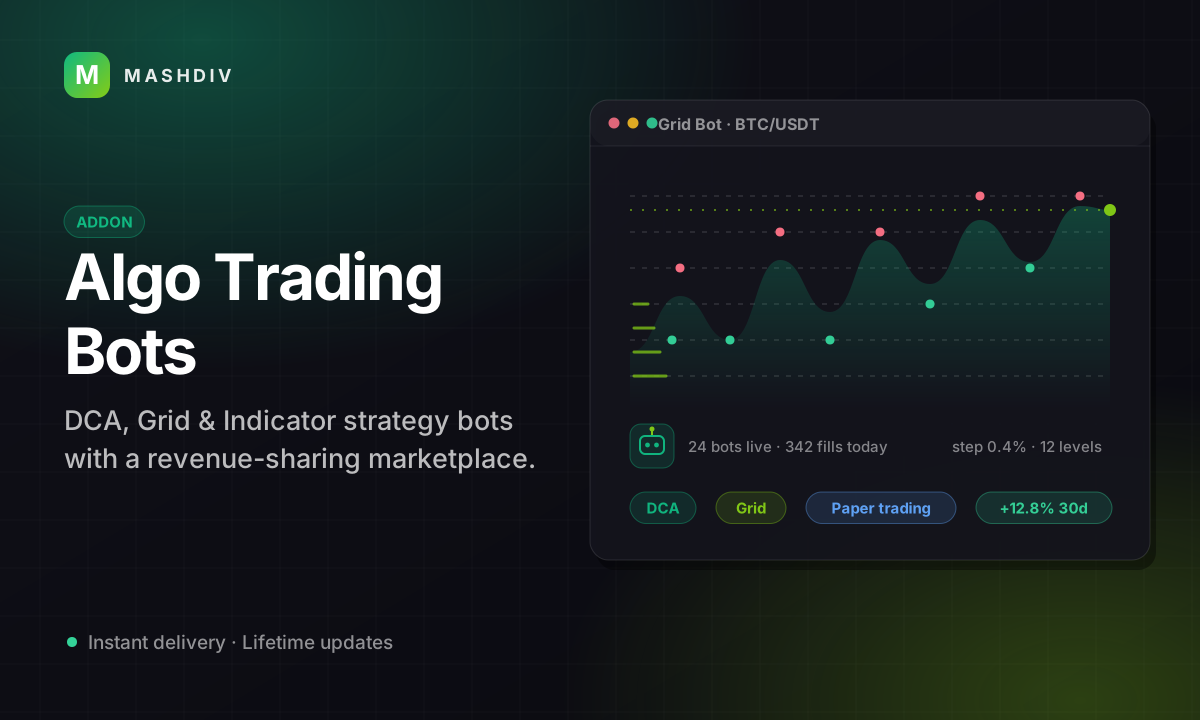
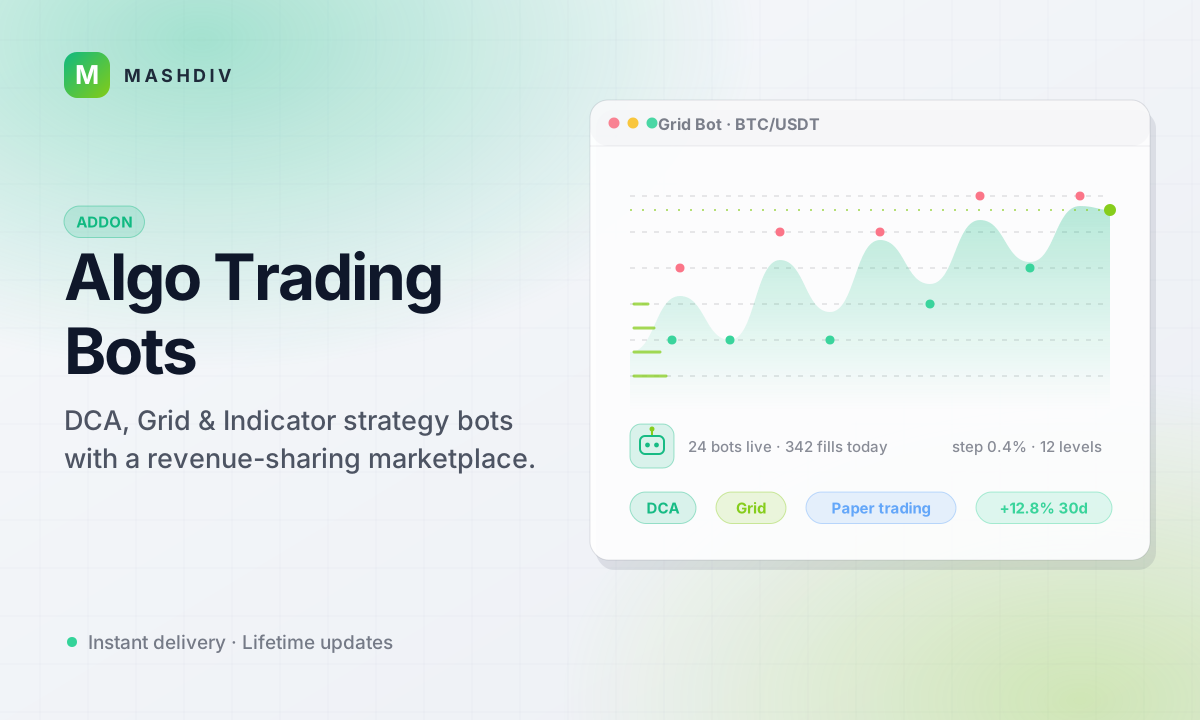
Trading Bot for Bicrypto
Server-side trading bots your users run around the clock, plus a strategy marketplace whose cut you set.
- 5 strategy types: DCA, Grid, Indicator, Trailing, Custom
- Visual node-graph builder for no-code strategies
- RSI, MACD, Bollinger Bands & Moving Averages
- Paper trading with resettable virtual account
- Engine-enforced stop-loss, take-profit & drawdown
- Strategy marketplace with 10% platform fee
- Verified-purchase reviews & admin moderation
- Six ready-made strategy templates
- Layered kill switches: bot, user, platform-wide
- Per-bot stats, trade history & audit logs
- Notifications for trades, risk events & sales
Inside Algo Trading Bots
Automation that survives the tab being closed
Your users build a strategy, set a risk envelope, allocate capital and start a bot. From then on a server-side engine ticks it, places its orders on your own book and enforces the limits — with a moderated marketplace where the good strategies get sold, and you take a cut.
In detail
Trading Bot turns your Bicrypto exchange into an automated-trading platform. Your users create a bot per market, pick a strategy — DCA, Grid, Indicator, Trailing Stop, or a Custom strategy wired in a visual node builder — set its allocation, and let a server-side engine trade for them. An allocation is a ceiling, not a transfer: the money stays in the user's ECO wallet and the bot may only ever have that much committed at once. Bots tick against live Ecosystem prices, while a risk manager blocks any trade that would breach the daily loss limit, drawdown cap or position limit carried on that bot — a blank value is no limit at all, so set the platform defaults before you open the feature up.
It is also a revenue stream. Users publish strategies free or priced, describe how they have performed, and sell to other traders — nothing goes on sale without your approval, and your platform keeps a cut of every purchase — 10% out of the box, and a setting you own.
What your users get
- Five strategy types, with RSI, MACD, Bollinger Bands, and Moving Averages built in
- A no-code node-graph builder: triggers, conditions, logic, and actions run server-side
- Six ready-made templates, from BTC Daily DCA to RSI Oversold Buyer
- Paper trading on a resettable virtual account using live market data
- Per-bot stop-loss, take-profit, daily loss limit, max drawdown, and trade cooldowns
- Live dashboards with per-bot stats, trade history, and realized P&L
- Notifications for trades, risk triggers, sales, and reviews — plus one-click kill-all
What you control
- Tick interval, concurrency caps, default paper balance, separate paper/live toggles
- Marketplace moderation: approve, reject, suspend, or reinstate strategies and reviews
- Platform-wide emergency stop: one write stops every running bot, then it unwinds the exposed ones in order of risk, up to 250 or 45 seconds per press, and reports what it did not reach
- Audit logs covering bot lifecycle, trades, risk triggers, and admin overrides
What it actually is
A server-side execution engine: a central tick loop with per-bot state and automatic error containment that stops misbehaving bots. Paper and live share the same engine, the same strategy code and the same risk checks — the one difference is whether the order reaches the matching engine. A paper exit settles inside the click because there is no book; a live exit is a real order on the Ecosystem book and completes when it fills, which on a thin market is not immediately.
Requires Bicrypto core **and** the Ecosystem addon, end to end. With Ecosystem disabled no bot runs anywhere in the deployment — **not even a paper bot**, because a paper bot still needs a price feed — and there is no configuration that makes the combination work. Bots trade Ecosystem markets, price off Ecosystem candles, and settle through the ECO wallet; nothing here can reach an exchange spot or futures book.
The engine runs on your server, not in a browser tab
Nothing about a bot lives in the page that created it. A supervisor cron holds the engine, evaluates every running bot on one interval, and places real orders on its owner's behalf. Closing the tab, logging out or losing the connection does not stop a bot — only stopping it does, or one of the limits it was created with. Paper and live run through that same engine, the same strategy code and the same risk checks; the one difference is whether the order reaches the matching engine, so a paper exit settles inside the click while a live exit is a real order that completes when it fills.
Two hard dependencies, not one: Bicrypto core and the Ecosystem addon. Bots trade Ecosystem markets, price off Ecosystem candles and cap themselves against the ECO wallet — an allocation is a ceiling on what a bot may have committed, not a transfer of anybody's money. With Ecosystem disabled no bot runs anywhere on the install, not even a paper bot, because a paper bot still needs a price feed.
A limit that trips takes the position off before it changes the status
Each bot carries its own envelope — position size, concurrent trades, stop loss, take profit, an absolute and a percentage daily loss cap, max drawdown and a cooldown — and every signal is also measured against the platform caps you set. When a daily-loss or drawdown limit fires the engine cancels the working orders, flattens the open positions and only then writes LIMIT_REACHED and notifies the owner. Doing it the other way round would strand a live position with nothing enforcing its stop.
The daily-loss and drawdown checks only run when a value is set, so a bot saved with blank caps can never reach LIMIT_REACHED however much it loses. Set the defaults on the settings screen before you open the feature up.
A strategy marketplace you moderate, and get paid for
A user composes a strategy out of IF/THEN rules in the visual builder, proves it on a paper bot, then lists it. Nothing reaches the public marketplace without passing your review queue — free strategies included — and every review is moderated before it can move a rating. One purchase writes three wallet movements in a single database transaction: the buyer is debited, your platform's cut lands in the Super Admin wallet and shows up on Revenue Analytics, and the seller is credited the residual.
The cut ships at 10% and the slider runs 0-30. There is no refund endpoint anywhere in the addon: reversing a sale is three wallet adjustments you make by hand in Finance, and the purchase row still reads COMPLETED afterwards.
A fee of your own on every bot trade, not only on a strategy sale
The marketplace cut is one revenue line and the trading is the other. A single setting — a slider from 0% to 1% in steps of 0.01 — adds your fee to every live fill the fleet produces, charged in the market's quote currency on top of the market's own maker/taker rate, and the two rates are resolved together so what a bot reserves and what it is charged can never disagree. The owner's wallet is debited and your Super Admin wallet is credited inside one transaction, with an admin-profit row written against it, so a figure on the revenue report is money that actually moved; if the credit cannot land, the debit is rolled back and nobody is charged. Every fill pays it on what actually moved, so an entry and its exit are two collections and a resting order that fills five times pays five times.
It ships at 0, and at 0 the path costs nothing — no wallet is loaded, no query runs, no record is written. Paper fills price the same rate into the simulation but move no money and credit nobody, and your own bots are never charged, because the debit and the credit would land on the same wallet. The fee is taken on top of the trade rather than out of it, so an owner with no spare quote balance is simply not charged and the fill still stands.
A strategy composed as IF/THEN rules, and refused before it can run
A rule is a row of four controls — the indicator, the operator, what to compare against, and the value — with a second row that buys, sells or closes the position. An entry is sized as a fixed notional or as a share of the capital still free and can rest as a limit order; an exit is a market order for the whole position. Eleven indicator readings are offered, seven operators including crosses-above and crosses-below, three ways to state the comparison, and six timeframes. Rules run top to bottom and the first match wins, in the order the builder shows them, and a crossing is measured against the previous closed bar so a signal fires once instead of on every bar afterwards. When the strategy is deployed as a bot the configuration is checked against the engine's own rules, and a refusal names the rule by the name its author gave it and the item by its number.
The check runs when the bot is created, not when the draft is saved, so a rule that can never fire will save and then be refused at deployment with the reason written out. The same gate covers a strategy bought from the marketplace. Two limits worth knowing before you write the rules: a matched rule fires the first action in its row and no other, and a sell exits the whole position at market whatever the size and order-type cells beside it say. And there is no backtester anywhere in the addon: paper mode is the proving ground, and it runs forward in real time on live prices.
A bot that has gone quiet still reads RUNNING. The console does not
The failure a fleet has that a single bot does not is silence: nothing errors, nothing alerts, and the rows all still say running. The admin console splits those rows into the bots that have reported a tick inside the last five minutes and the bots that have not, counts the errored ones beside them, adds up the live allocation sitting in both, and lists the offenders ranked by the capital at stake with the owner and the age of the last tick on each. It measures that from the database rather than from the engine, on purpose — the engine only exists on one process, so asking it from an admin request would report a healthy install as stopped. One header button stops every running and paused bot at once, and it refuses the press without a written reason, which is recorded against every bot it stopped.
The stop itself is one statement and reaches every one of them; what is bounded is the unwind that follows — cancelling their working orders and flattening their positions runs for up to 250 exposed bots, or as many as fit its deadline, and reports what it did not reach, so a larger fleet needs a second press. The attention list shows ten rows and says how many more there are, so a cap never reads as the whole picture. Soft-deleted bots are left out of every bot count and every capital figure on the page and counted separately, because a deleted row can still be holding a position that only the kill switch reaches.
- strategy families
- 5
- indicators in the rule builder
- 11
- risk limits per bot
- 8
- settings you control
- 27
Everything included
122 capabilities, in 11 areas
Every item below exists in the source you receive. Nothing here is a roadmap.
Strategy families
Five kinds of bot, and every dial each one exposes.
- Grid: an arithmetic or geometric ladder of 2 to 100 rungs across a price band
- Grid options: an opening buy, liquidate-on-stop, and resting or marketable rungs
- DCA: hourly, daily, weekly, fortnightly, monthly, or a custom hour count
- DCA sizing as a flat figure or a share of the allocation, with an optional buy cap
- DCA price filters: below a moving average, RSI oversold, or below a price
- Indicator: RSI, MACD, Bollinger Bands and moving averages, each with its own periods
- Fire when any indicator agrees or only when all do
- Exit on the indicator, on take profit, or on both
- Trailing stop: a stop that only ratchets upward, with an optional arming threshold
- Trailing entry immediately, on an indicator or at a price level, as market or limit
- Custom: the IF/THEN rules composed in the visual builder
- Six timeframes — 1m, 5m, 15m, 1h, 4h, 1d — evaluated on closed candles only
- Six ready-made templates, from BTC Daily DCA to Weekly Portfolio DCA
- A published configuration schema per family, and a dry-run validation call for the four preset ones
The visual rule builder
A strategy composed without code, and refused before it can lose money.
- IF/THEN rules, each combining its conditions with AND or OR
- Rules run top to bottom and the first match wins
- 11 indicator readings: RSI, MACD, MACD signal, MACD histogram, SMA, EMA, the three Bollinger bands, price and volume
- Seven operators, including crosses-above and crosses-below
- Crossings measured against the previous closed bar, so a signal fires once
- Compare against a literal, a percentage of the price, or a second indicator
- Buy, sell and close-position actions; an entry places as a market or a limit order
- Entry sizing as a fixed notional or a share of the capital still free
- Stop loss, take profit and max position size carried with the strategy
- A validator that names the exact rule and item it refuses
- Saves as a private draft you can deploy or list
Creating and funding a bot
The form, the money, and the lifecycle it hands over to.
- One creation form, in the trade terminal's Algo tab beside the live chart and the balance that funds it
- Conservative, Balanced and Aggressive risk presets
- A pre-launch projection: spread per grid fill, DCA commitment, trailing risk
- Paper and live on the same engine, the same strategy code and the same risk checks
- A per-user, per-currency paper account, resettable to the balance you set
- An allocation that is a cap, not a transfer — funds stay in the owner's wallet
- Committed capital derived from open trades and working buys, never incremented by hand
- Add allocation, or release whatever is not committed
- Six statuses: draft, running, paused, stopped, error and limit-reached
- Start, pause, resume, stop, delete and close position, from the list or the chart dock
- Four fields editable while a bot runs; everything else needs it stopped
- Deploy a bot straight from a strategy you own or bought
The execution engine
What keeps trading after the browser is closed.
- A server-side tick loop — closing the tab does not stop a bot
- A tick interval you set, and caps on resident bots and on ticks in flight
- A reconcile against the database every 30 seconds, adopting starts and dropping stops
- Market and limit orders placed on your own order book
- Seven order states: pending, open, partial, filled, cancelled, expired and failed
- Seven order purposes recorded: entry, exit, stop loss, take profit, grid buy, grid sell and DCA
- Five trade states, with realised profit and fees written from the fill
- Five consecutive tick failures move a bot to error
- A watchdog that errors any running bot silent for five minutes and notifies its owner
- Maintenance mode that suspends the engine without changing anybody's bot status
- An optional per-trade fee the platform charges on bot trades
Risk limits and kill switches
Two envelopes — the owner's and yours — and three ways to stop everything.
- Eight per-bot limits: position size, concurrent trades, stop loss, take profit, daily loss in currency, daily loss in percent, max drawdown and cooldown
- Operator defaults applied to any bot created without an explicit value
- Minimum and maximum trade notional, with the maximum applied to entries only
- Market and limit order types switchable platform-wide
- Max bots per user, max active bots per user, and a minimum allocation
- Cancel the working orders, flatten the position, then write limit-reached
- An owner kill switch that flattens and stops every one of their bots
- A flatten request that outlives the call, finishing in the background when the exit could not be placed
- A fleet-wide emergency stop with a written reason recorded against every bot it stopped
- Per-bot force stop, driven from the database so it works on any process
- Stop reports that count what was flattened and what was not reached
Watching a bot work
What the owner sees while it runs, and what it tells them when it does not.
- A full-screen terminal with the strategy's own geometry on the price axis
- Grid rungs and their state, the DCA schedule, the trailing peak and its chasing stop
- Average entry, working orders and filled trades drawn in place
- Stop-loss and take-profit levels layered on top
- The bot's own indicators mirrored onto the chart — the same series the strategy evaluates
- Price levels a custom rule pins itself to, each labelled with the rule's name
- An in-chart cockpit: heartbeat, profit and loss, open position and the lifecycle dock
- A live socket for ticks, fills and status changes, plus a slow poll for derived state
- The reason a running bot is not trading, named on screen
- A dashboard with totals, per-status counts and recent activity
- Per-bot statistics: win rate from settled trades, average profit, drawdown and utilisation
- 30 days of daily history per bot — trades, profit, volume and equity
- Trade and order history per bot and across every bot
- Allocation across all of a user's bots, summarised by currency
- An in-product guide
The strategy marketplace
A second product your users build, and you sell.
- List a strategy free or priced, in a currency you choose
- Five listing states: draft, pending review, approved, rejected and suspended
- Private or public visibility, kept separate from approval
- Risk level, category, tags, icon and cover image per listing
- Recommended markets, timeframe and minimum allocation on the listing
- A version and a changelog per strategy
- Browse by strategy type; sort by popularity, rating, newest or price
- Purchase from the spot wallet, in one database transaction
- A configuration snapshot stored with the sale, so a later edit cannot change what was bought
- Verified-purchase reviews with a title and body, one per buyer per strategy
- Ratings recomputed hourly, from approved reviews only
- A creator dashboard: listings, sales, revenue and average rating
The cut you take
Where the money goes on a sale, and which figures prove it.
- A platform fee percentage you set; the seller is paid the residual
- The fee routed to the Super Admin wallet and recorded as admin profit
- The rate in force at the time of a sale written onto that sale
- Gross, seller's cut and platform's cut kept on every listing
- Minimum and maximum strategy price, enforced at listing, at edit and again at submission
- Seller earnings credited at the moment of purchase
- Marketplace turnover, platform take, creator payouts and average price paid, on one screen
Moderation
Nothing reaches your public marketplace without you.
- An approval queue, oldest submission first, with the age of the oldest item
- Approve with notes; reject or suspend with a written reason
- Reinstate a suspended listing
- A price, currency, visibility or configuration change sends an approved listing back for review
- An auto-approve switch that deliberately skips anything a human already rejected
- A review queue with approve and reject, so only moderated reviews move a rating
- A marketplace switch that closes sales without touching the trading side
- Fields a seller cannot write: rating, purchase counts, revenue and reviewer
The admin console
Every bot on the install, and the figures that say which ones to open.
- Six screens: dashboard, bots, marketplace, reviews, audit logs and settings
- Fleet health: running, ticking, stalled, errored, paused, limit-reached, stopped and draft
- Live and paper counted separately everywhere, so no simulation reads as real money
- Capital: allocated, in use, and stranded on bots that are not trading
- Bots needing attention, ranked by capital at stake
- The worst live performers by realised profit and loss
- Every bot on the install, filterable by status, type, mode and owner, searchable by name, symbol or owner
- One bot in full, with its trades, orders and recent audit entries
- Fleet analytics: profit and loss, allocation utilisation, win rate, fee revenue, top symbols by capital
- Queue analytics: review turnaround, approval rate, rejection rate, rating distribution, low-star share
- A customer's bot history on their CRM profile
Audit, settings and access
The record, the dials, and who is allowed to turn them.
- An audit trail across bots, trades, orders, strategies and purchases
- 13 action types written: lifecycle, trade opens, stop-loss and take-profit fires, both risk limits, allocation changes and kill switches
- Actor, admin, reason, IP address and user agent recorded per entry
- Before and after values, plus per-entry metadata
- 90-day retention, pruned weekly in bounded batches
- Five scheduled jobs, each on the platform's task monitor with its own last run and last error
- 27 settings across platform, bots, marketplace, trading, risk and fees
- 14 permission keys covering the six admin screens and the force-stop actions
- Four verification gates: view the addon, trade live, buy a strategy, sell one
- In-app alerts for a bot error, a risk limit, an unresponsive bot, and every listing decision
- Licence
- Regular licence — full source, activated in the extension manager against your purchase code
- Requires
- Bicrypto core and the Ecosystem addon, both licensed separately
- Runs on
- Your own server, inside the Bicrypto backend. No process, port or hosted service of its own.
- Data stores
- MySQL or MariaDB for its nine tables, ScyllaDB for the candles every indicator reads, Redis for settings and scheduling — all three already required by Ecosystem
- Engine host
- One process: the one holding the ecosystem matching lease. Adding backend processes does not add engines, and cannot double the order flow.
- Surface
- 6 admin screens, 11 user screens, 61 endpoints and one live socket
- Access control
- 14 permission keys, plus four verification gates
- Configuration
- 27 settings in six groups, and 5 scheduled jobs on the cron monitor
- Integrates with
- Ecosystem markets and the ECO wallet, core spot wallets and the platform profit ledger, verification levels, notifications, the cron manager and the CRM customer profile
- Ecosystem markets only
- Bots trade the Ecosystem book, price off Ecosystem candles and hold against the ECO wallet. They cannot reach an exchange spot, futures or forex book, and a bot is refused at creation on any pair that is not an active ecosystem market. With Ecosystem off, no bot runs anywhere — not even a paper bot.
- Long only, no leverage
- A bot buys and then sells what it bought. There is no short side and no margin anywhere in the addon.
- There is no backtester
- A listing can carry performance figures its seller supplies, but nothing in the product replays a strategy against history. Paper mode is the proving ground and it runs forward, in real time, on live prices.
- The on-chart drawing needs Chart Engine
- The strategy geometry and the in-chart cockpit are drawn by the Chart Engine addon, sold separately. Without it the terminal falls back to the standard chart and loses the overlays; the bots themselves run exactly the same.
- A blank limit is no limit
- The daily-loss and drawdown checks only run when a value is set, so a bot saved with empty caps can never reach limit-reached however much it loses. Set the platform defaults before you open the feature up.
- No refund endpoint
- Every purchase-side admin route is read-only. Reversing a sale is three wallet adjustments you make by hand in Finance, and the purchase row still reads completed afterwards.
- Alerts are in-app only
- Six notifications exist — bot error, risk limit, unresponsive bot, and a listing approved, rejected or suspended. Nothing is emailed, and there is no per-trade or daily-summary alerting.
- The fleet stop is bounded
- One press of the emergency stop unwinds up to 250 exposed bots, or as many as fit its deadline, and reports what it did not reach. A larger fleet needs a second press.
Loved by customers
Reviews
No reviews yet. Own it? Share your experience.
Own this product? Sign in to leave a review.
Better together
Bundles containing this product
Get Trading Bot for Bicrypto for less as part of a bundle.
 ULTIMATE
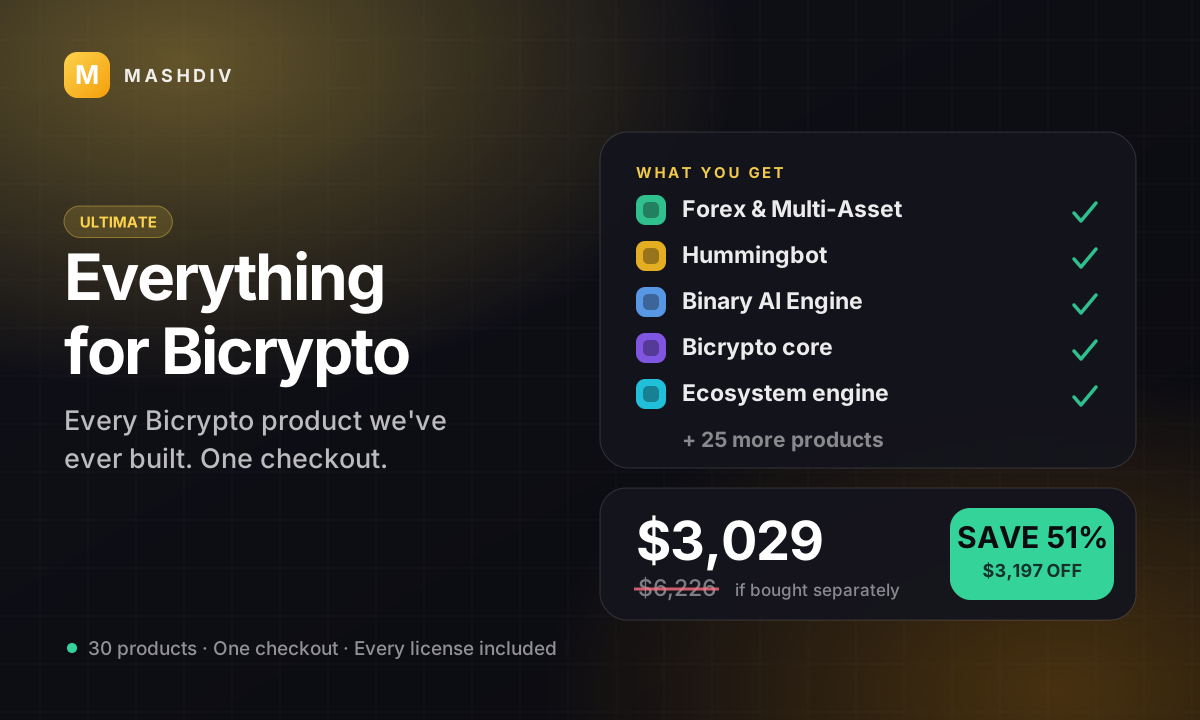
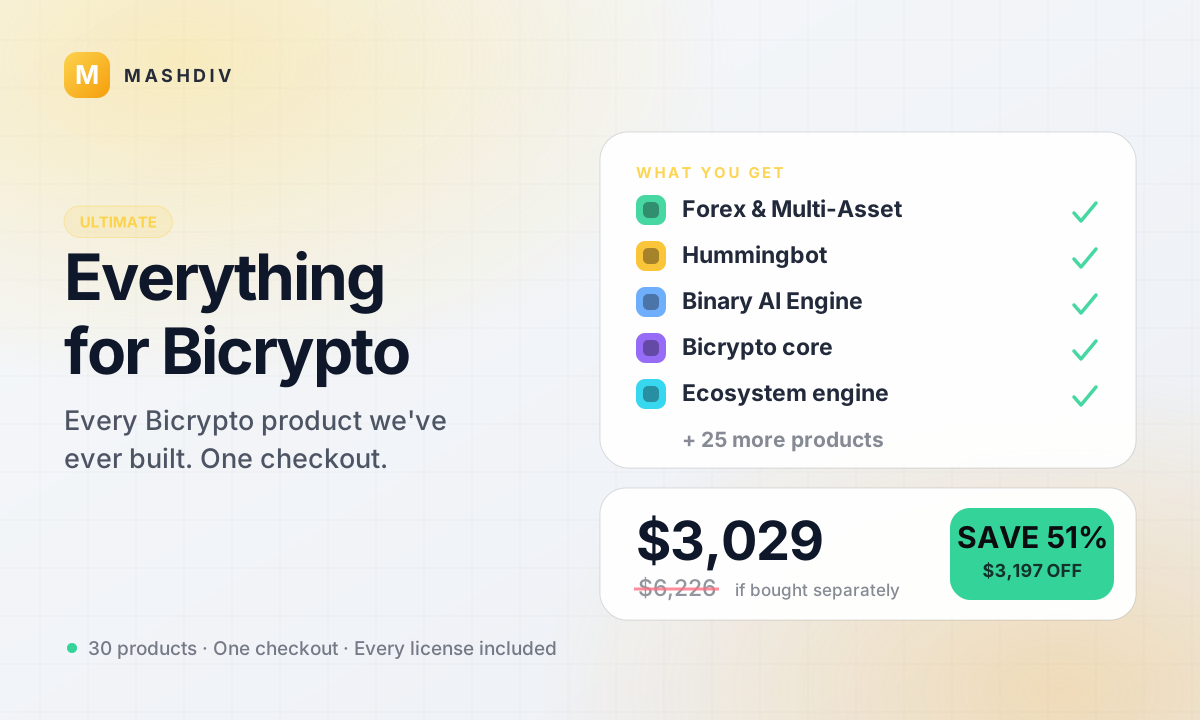
Everything for Bicrypto
Every Bicrypto product we make — every addon, every chain, both apps, one price.
- Forex & Multi-Asset Trading
- Web3 Wallet & On-Chain Trading
- Instant Convert
- Hummingbot Connector
- + 30 more
 PRO
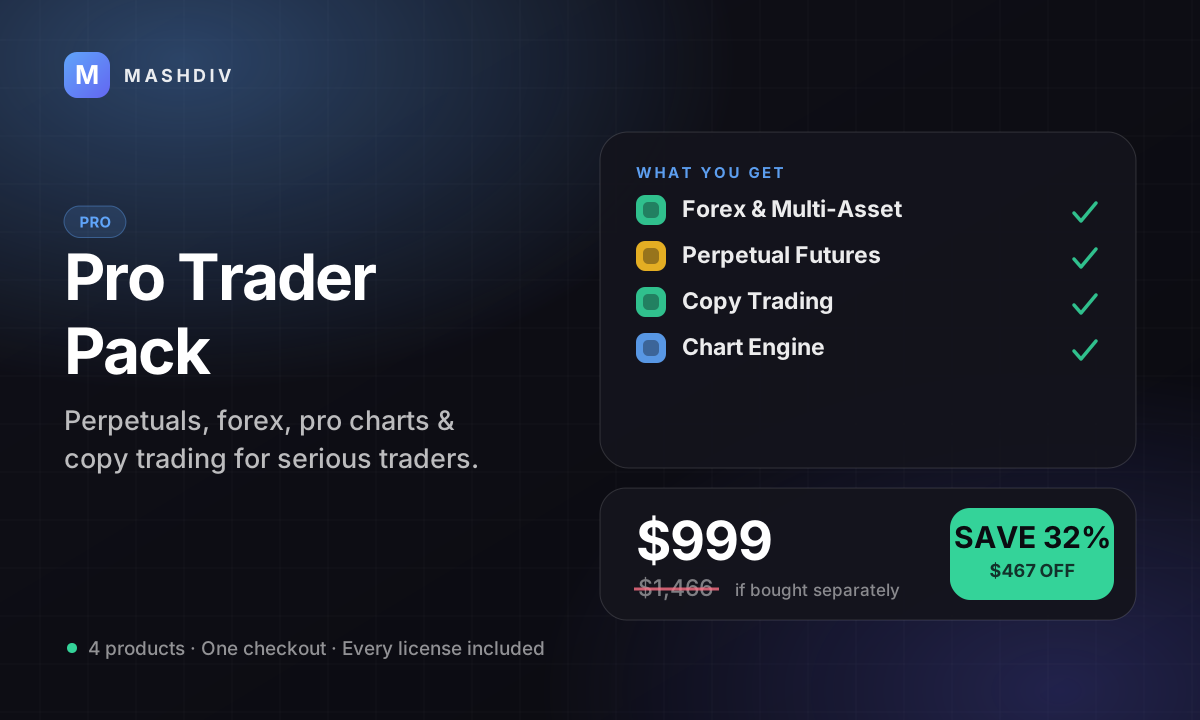
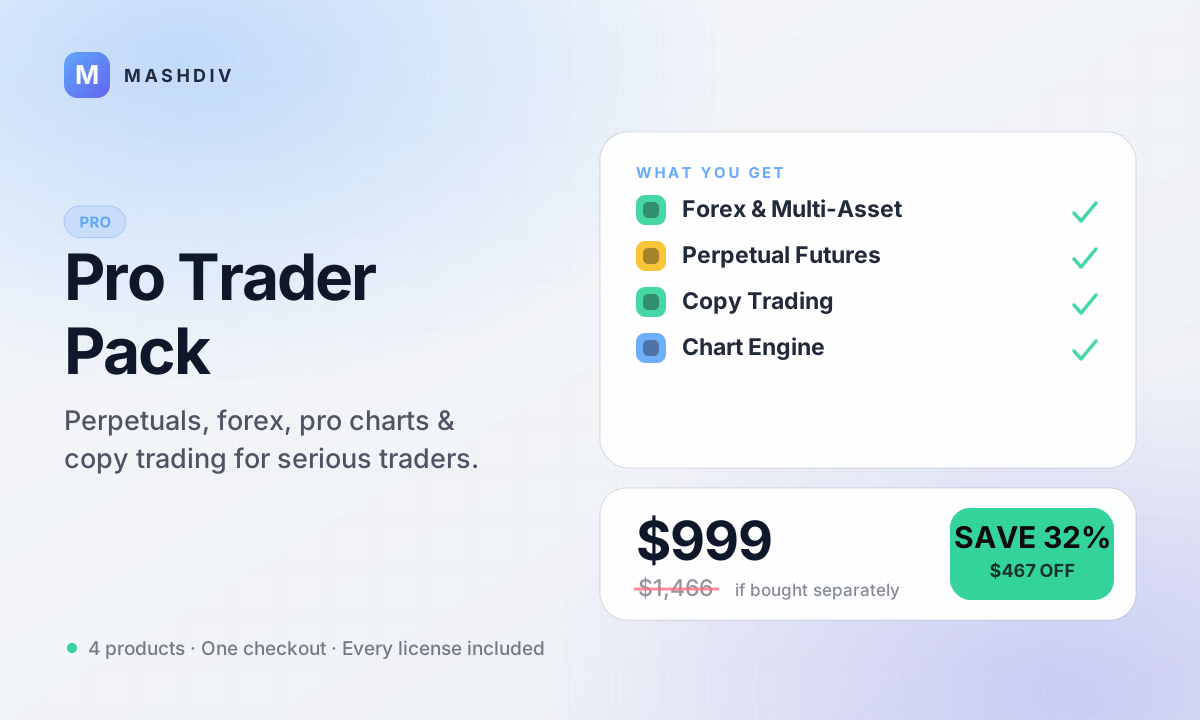
PROPro Trader Pack
The advanced-trading stack: perpetuals, forex, pro charts, and copy trading.
- Forex & Multi-Asset Trading
- Trading Bot for Bicrypto
- Futures Trading for Bicrypto
- Copy Trading for Bicrypto
- + 1 more
Keep exploring
Related products
 Addon
AddonAI Investments for Bicrypto
A duration-based investment product where you set the term, the rate and the outcome — and fund it yourself.
 Addon
AddonForex Investment for Bicrypto
Run a managed forex desk: you set the plan, the term and the payout, and settlement runs itself hourly.

 Addon
AddonMLM & Affiliate System
Your members bring the next ones, and you pay commission only when a referral actually deposits or trades.